Octopus CRM Review (2026): Features, Limitations, Pricing, and Better Alternatives
Octopus CRM review for 2026: features, pricing, and where it falls short. Compare Bitscale, Clay, Apollo, Lusha, Cognism, and Instantly.ai.
Octopus CRM has stuck around in the LinkedIn automation category for a reason: its Chrome extension does the unglamorous stuff reliably, like connection requests, follow-up messages, and profile visits. If you are a solo prospector or freelancer who just wants a simple way to increase LinkedIn outreach volume, it can still be a sensible budget pick. The problem is that a 2026 outbound motion rarely stops at connection requests. Most revenue teams now expect enrichment, buying signals, multi-channel sequencing, and CRM sync to live in the same workflow, not scattered across five tabs.
This Octopus CRM review lays out where the product earns its keep, where it runs out of runway, and which alternatives are worth considering when you need more than basic LinkedIn automation. If you are a solo SDR, an agency juggling multiple clients, or a RevOps leader assembling a prospecting stack, the aim is the same: match the tool to the workflow you actually run.
What Is Octopus CRM?
Octopus CRM is a LinkedIn automation tool that helps users automate connection requests, profile visits, follow-up messages, and other repetitive LinkedIn prospecting activities through a Chrome extension.
What Octopus CRM Does (and Doesn't Do)
Octopus CRM is a Chrome extension built to automate repetitive LinkedIn actions. It works with Free, Premium, Sales Navigator, and Recruiter Lite accounts. The main jobs it handles are automated connection requests (including personalized notes), bulk messages to first-degree connections, automated profile visits, and skill endorsements. Step up to higher-tier plans and you also get HubSpot and Zapier integrations, plus a lightweight analytics view for acceptance rates and campaign performance.
That simplicity is the appeal, and also the limit. Because Octopus CRM runs inside your browser, it only runs when Chrome is open and active on your machine (BearConnect, 2026). You do not get cloud execution, branching logic, or native enrichment and email sequencing. If your outbound motion spans more than LinkedIn, Octopus CRM covers one lane of what is usually a multi-step process.
Octopus CRM Pricing Breakdown
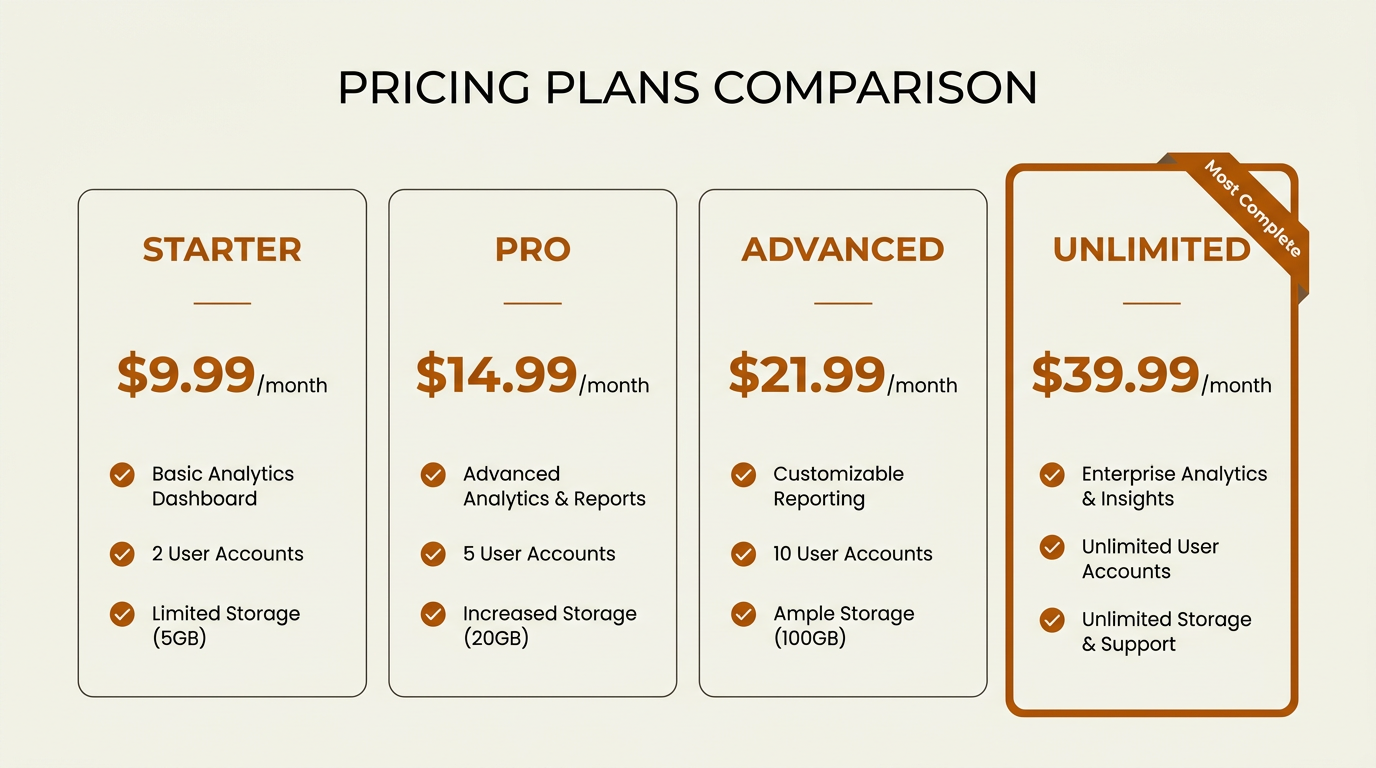
Octopus CRM offers four per-user plans ranging from $9.99 to $39.99 per month.
Octopus CRM keeps pricing simple, and it is priced near the bottom of the sales automation market. Plans are per user, per month, with discounts if you pay annually:
| Plan | Monthly Price | Key Inclusions |
|---|---|---|
| Starter | $9.99/mo | Automated connection requests, profile visits |
| Pro | $14.99/mo | Messaging, Zapier integration |
| Advanced | $21.99/mo | HubSpot integration, advanced analytics |
| Unlimited | $39.99/mo | Full feature set, priority support |
| Pricing as listed on octopuscrm.io (2026). Annual billing reduces per-month cost. |
Pricing may change over time. Always verify current plans directly on the vendor's website.
With the top plan coming in under $40/month, the sticker price is easy to justify. As with any software subscription, prospective buyers should review current user feedback and cancellation policies before purchasing. The bigger cost question is strategic: does LinkedIn-only automation produce enough ROI versus platforms that add enrichment, CRM sync, and multi-channel outreach for a higher (but still manageable) monthly spend?
Key Limitations for Modern GTM Teams
Octopus CRM generally delivers on what it advertises. The friction shows up when you try to use it as part of a modern prospecting system, because several table-stakes capabilities are missing:
- No cloud execution. It depends on an open Chrome session, so there is no true background running and nothing executes from a server.
- No multi-account management. Agencies and team leads cannot run multiple LinkedIn accounts from a single control panel.
- No conditional workflows. Sequences cannot branch based on prospect behavior (for example: accepted = send message A; not accepted = wait and retry).
- No native enrichment. It will not find work emails, phone numbers, or company firmographics. You need separate enrichment tooling.
- No buying signals or intent data. There is no layer that highlights which accounts are actively researching or signaling purchase intent.
If you are running basic LinkedIn lead gen solo, you can live with those constraints. If you are trying to build a prospecting stack that ties together research, enrichment, and outreach, those gaps stop being inconveniences and start breaking the workflow.
Quick Comparison: Octopus CRM Alternatives at a Glance
| Platform | Best For | Starting Price | Key Differentiator vs. Octopus CRM |
|---|---|---|---|
| Bitscale | Full GTM execution with enrichment + workflows | Custom pricing | AI research, enrichment, buying signals, CRM sync in one platform |
| Clay | Data enrichment power users | Free tier; paid from $149/mo | 75+ enrichment providers, waterfall enrichment logic |
| Apollo.io | All-in-one prospecting + email outreach | Free tier; paid from $49/mo | Large B2B contact database, email sequences |
| Lusha | Quick contact data lookup | Free tier; paid from $49/mo | Direct-dial phone numbers and verified emails |
| Cognism | EMEA-focused compliant prospecting | Custom pricing | GDPR-compliant intent data and phone-verified mobiles |
| Instantly.ai | High-volume cold email at scale | From $30/mo | Unlimited email accounts, deliverability optimization |
| Comparison based on publicly listed pricing and features (2026). |
Bitscale: A Broader GTM Execution Platform
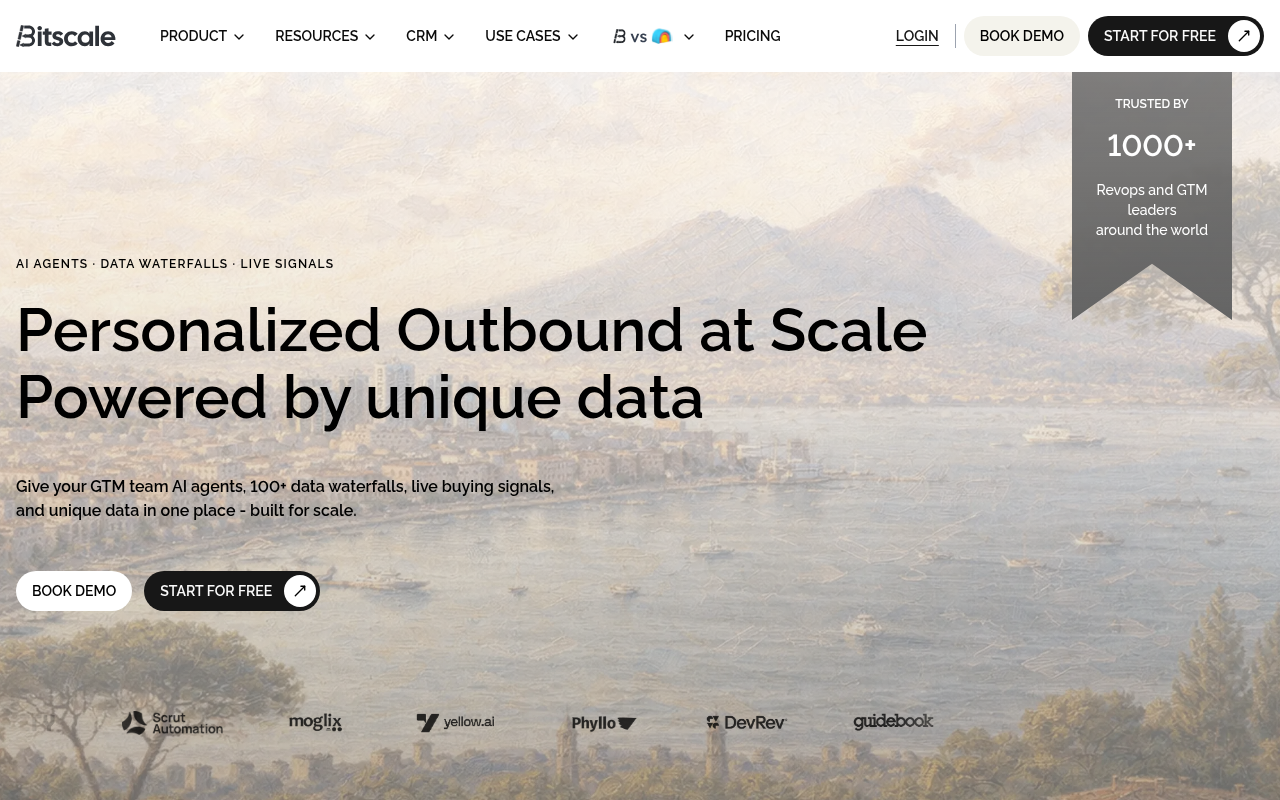
Bitscale combines enrichment, AI research, and workflow automation in one platform.
Octopus CRM is intentionally narrow: LinkedIn automation in a browser. Bitscale is built for the rest of the outbound chain. You can build lead and account lists, enrich contacts with work emails and phone numbers, run AI-driven prospect research, and sync records into your CRM down to the field level. It also adds intent and buying-signal context so reps spend time on accounts that look actively in-market.
The value proposition is less "another point tool" and more "stop stitching together five of them." Bitscale connects to outbound execution tools like Instantly.ai and common CRMs, and it effectively becomes the orchestration layer between data and action. For teams that have outgrown basic LinkedIn automation and need CRM enrichment at scale, it plays a fundamentally different role than Octopus CRM. The trade-off is straightforward: Bitscale is not a dedicated LinkedIn automation product, so if all you want is connection requests, it is more platform than you need.
Clay: Best for Data Enrichment Workflows
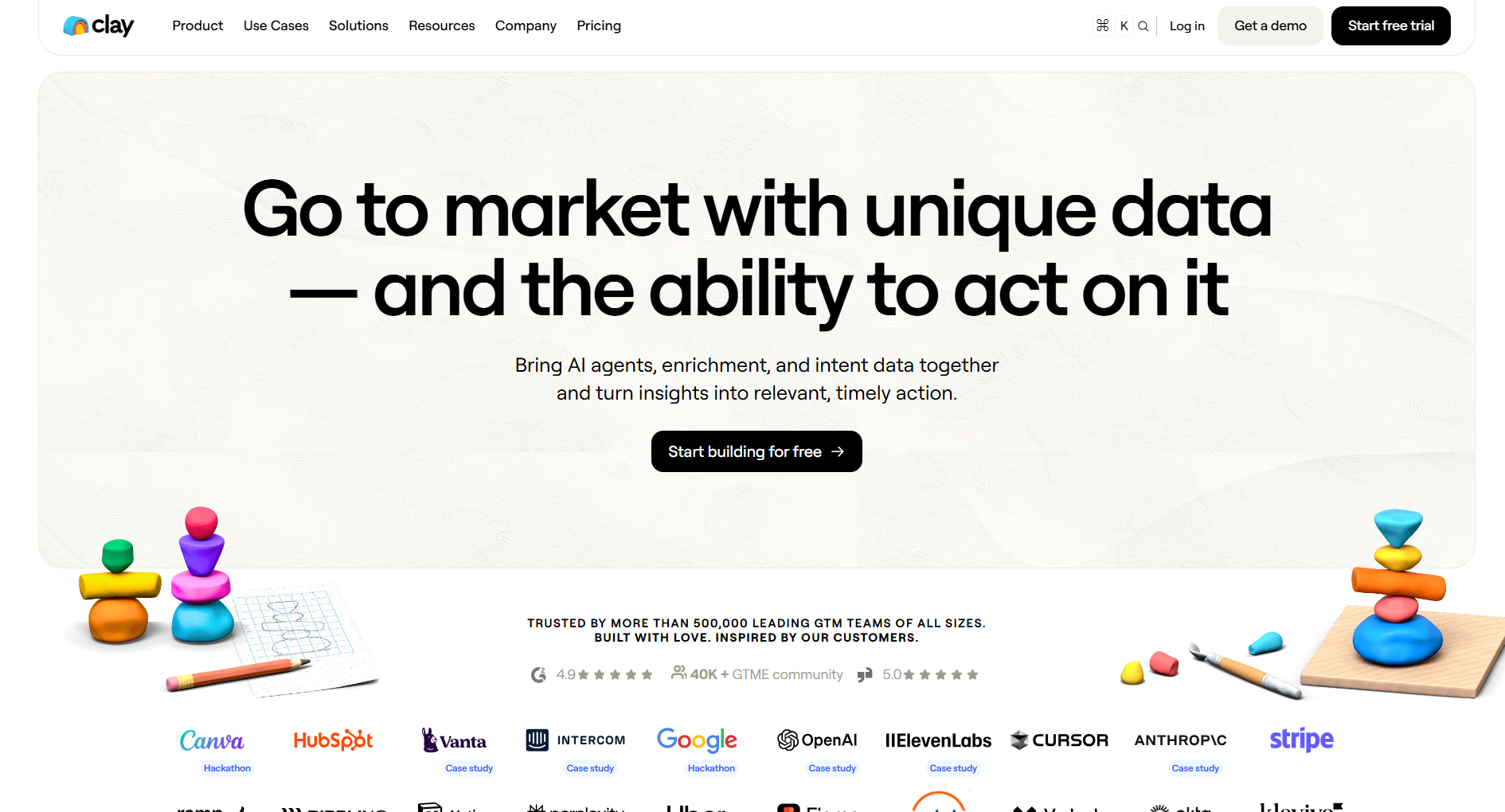
Clay is known for waterfall enrichment. Instead of betting on one provider, it queries 75+ data sources in sequence until it finds the field you care about (email, phone, company details). That approach tends to produce better match rates than any single vendor. The spreadsheet-style interface is a good fit for ops-minded teams that want custom enrichment logic without writing code.
It is also solving a different problem than Octopus CRM. Clay will not automate LinkedIn actions; it prepares and scores lists before they hit an outreach tool. Pricing starts at $149/month for paid plans, and there is a free tier for lighter usage. Expect a steeper learning curve than Octopus CRM, and keep an eye on the credit-based model so costs do not creep up. Pair Clay with a dedicated outreach platform and the results can be strong, but the all-in stack cost is something you have to plan for.
Apollo.io: The All-in-One Prospecting Database
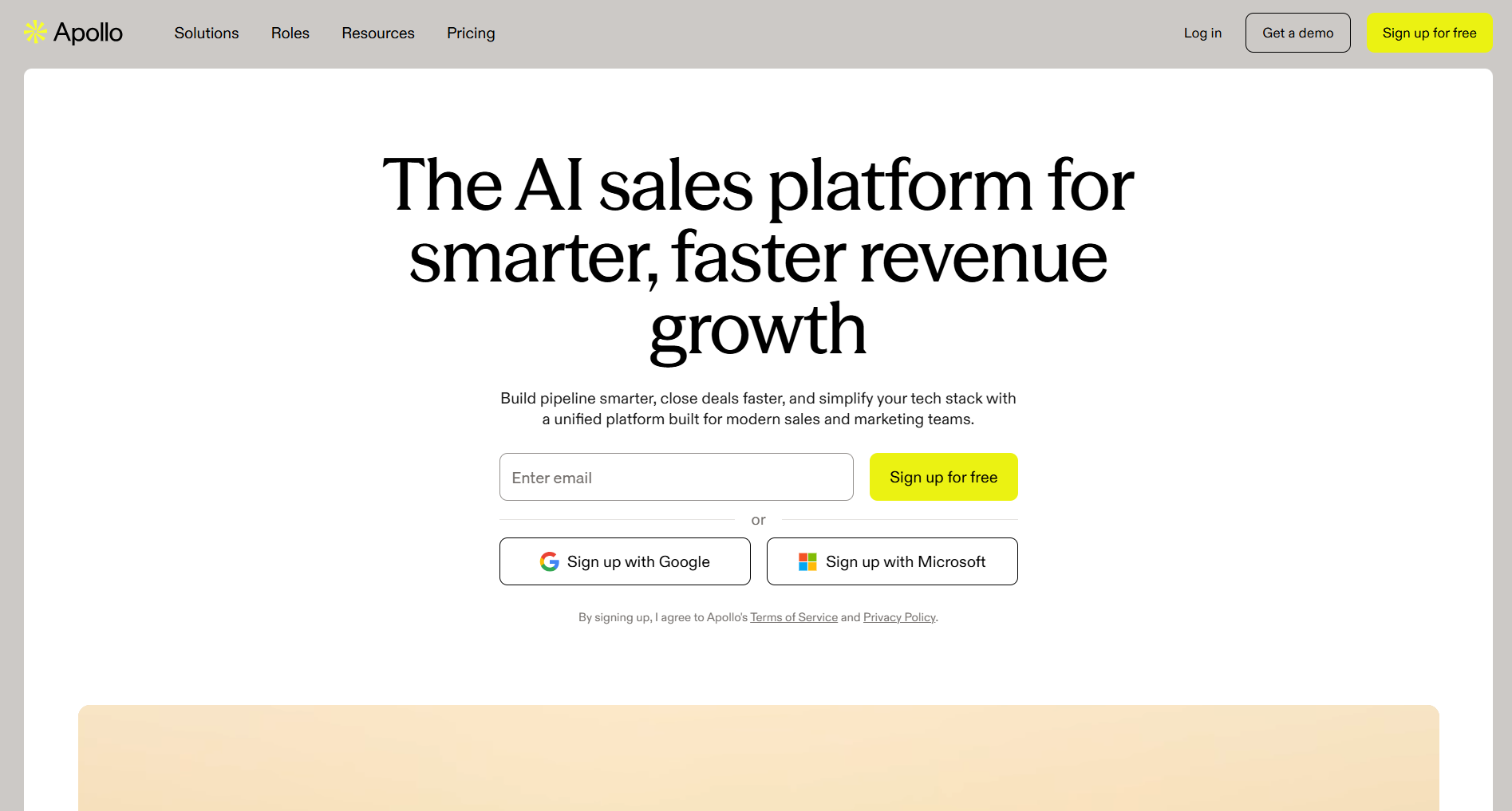
Apollo.io bundles a large B2B contact database with email sequencing.
Octopus CRM is a single-channel utility. Apollo.io goes the other direction: one platform that bundles a large B2B contact database, email sequencing, a LinkedIn Chrome extension for prospecting, and basic CRM features. If your goal is consolidation, Apollo is one of the most feature-packed options you can buy for under $100/month.
Apollo's free tier is actually usable for small teams, with limited credits for email finding and basic sequences. Paid plans start at $49/month. The common friction points are phone number accuracy (especially outside the US) and enrichment depth versus specialists like Clay or Bitscale. If Apollo is on your shortlist, our rundown of better Apollo alternatives walks through the trade-offs in more detail.
Lusha: Fast, Simple Contact Lookup
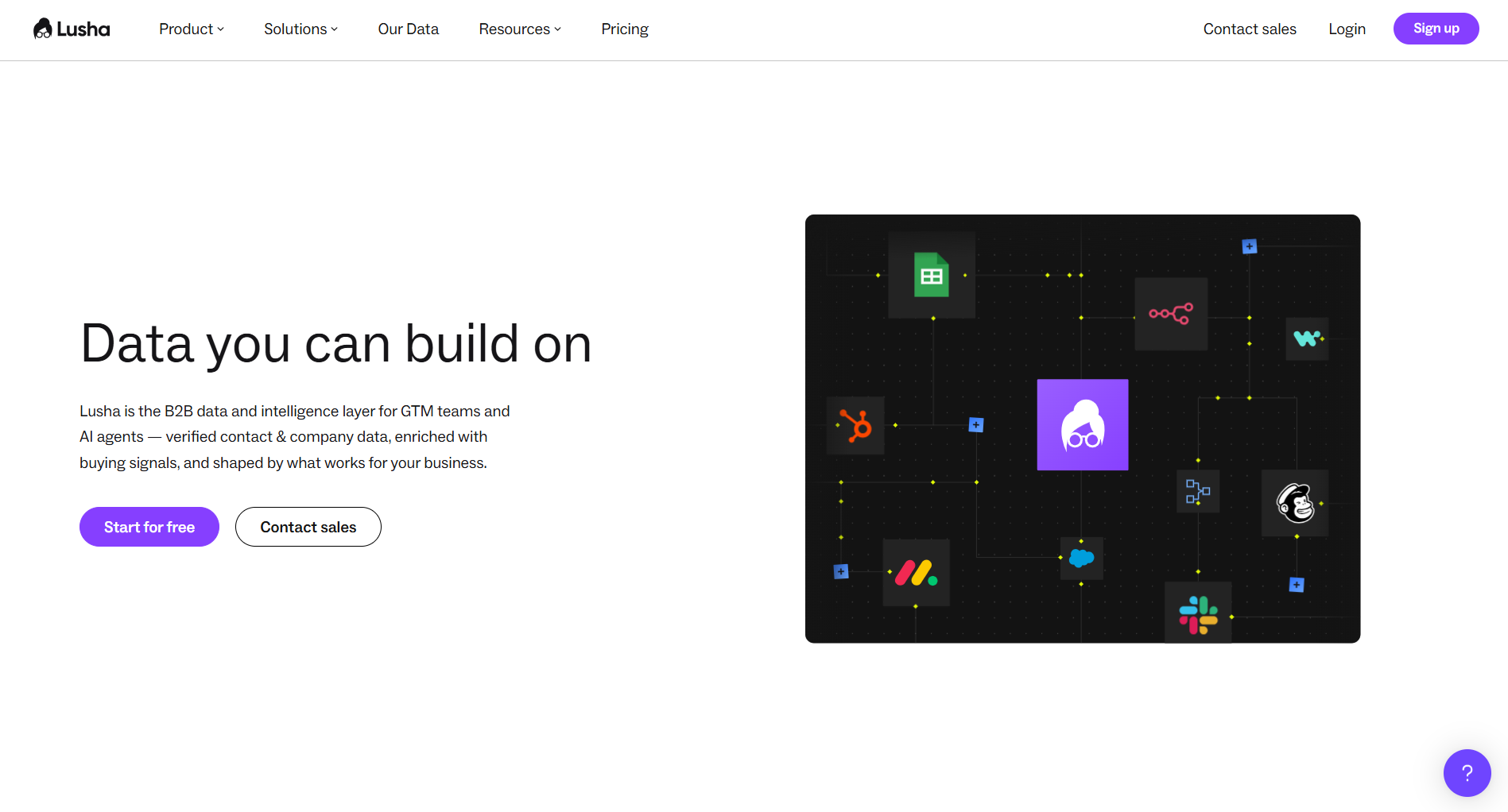
Lusha focuses on quick, accurate contact data retrieval.
Lusha stays in its lane: fast access to verified work emails and direct-dial numbers. The Chrome extension sits neatly on top of LinkedIn profiles, which makes it a natural add-on for anyone doing LinkedIn-first prospecting. Data quality is strong for US and European contacts, and the product is simple enough that reps rarely need onboarding to get value.
What Lusha will not do is run your workflow end to end. It does not sequence emails, automate LinkedIn actions, or push enriched fields back into your CRM without extra setup. It is a lookup layer, not an execution engine. Pricing includes a free tier (5 credits/month) and paid plans starting at $49/month. If you already have outreach covered and just need better contact data, Lusha fills a gap Octopus CRM cannot touch.
Cognism: Compliant Prospecting with Intent Signals
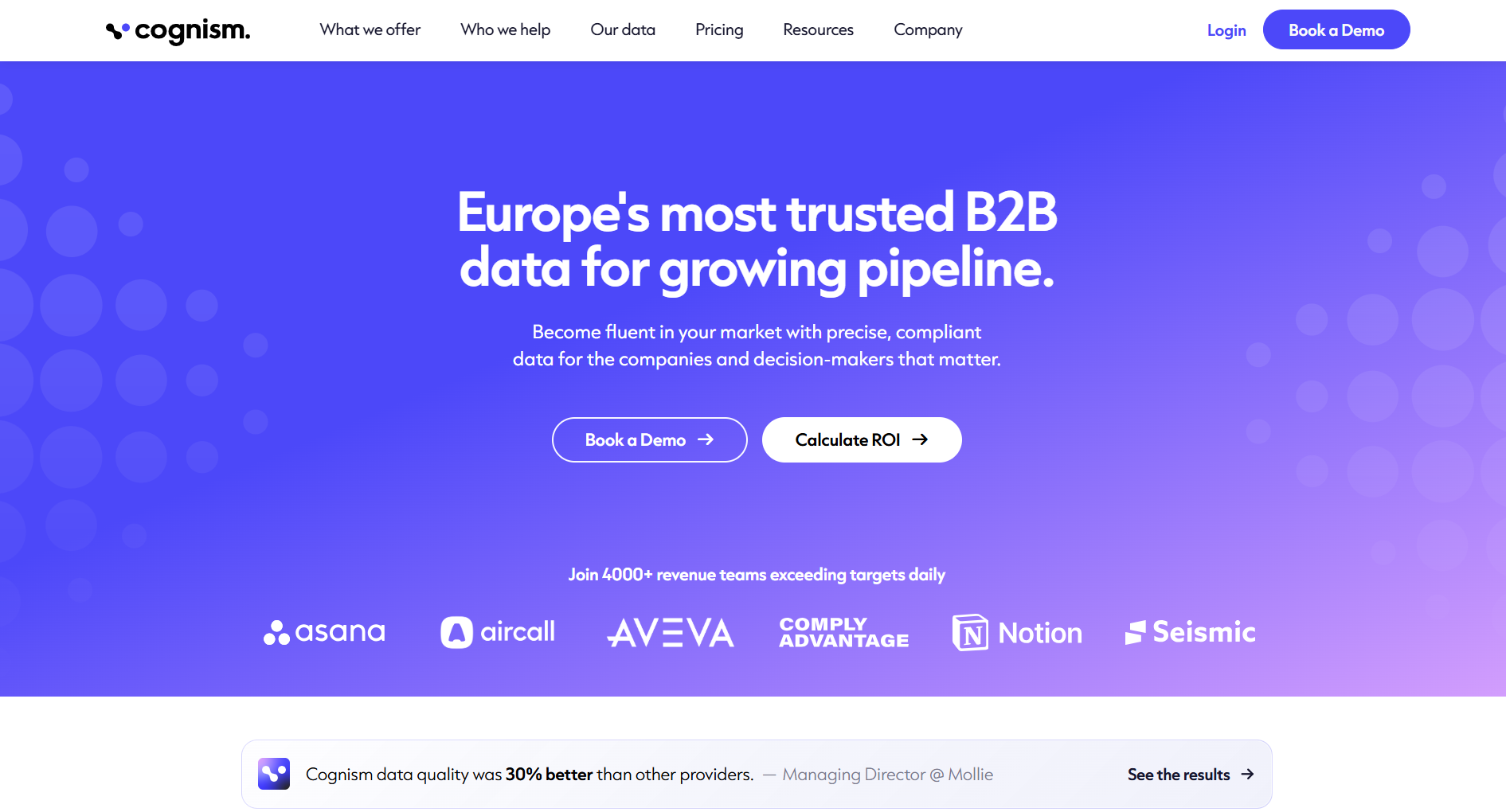
Cognism emphasizes compliance and phone-verified mobile data.
Cognism differentiates in two places that matter if you sell into regulated markets: GDPR compliance and phone-verified mobile numbers ("Diamond Data"). For EMEA-focused teams, that reduces the legal gray area that can come with scraping LinkedIn or leaning on unverified databases. Cognism also includes Bombora intent data, which helps teams prioritize accounts showing active buying signals.
The trade-off is budget. Cognism is sold on custom pricing with annual contracts, and it is positioned for enterprise buying. If Octopus CRM's $10-$40 range feels comfortable, Cognism will feel like a different category entirely. For mid-market and enterprise revenue teams, especially those building European pipeline, the combination of compliance, verified mobiles, and intent data can justify the spend. If you are evaluating enterprise-grade data vendors more broadly, this breakdown of ZoomInfo pricing and alternatives adds useful context.
Instantly.ai: High-Volume Cold Email Execution
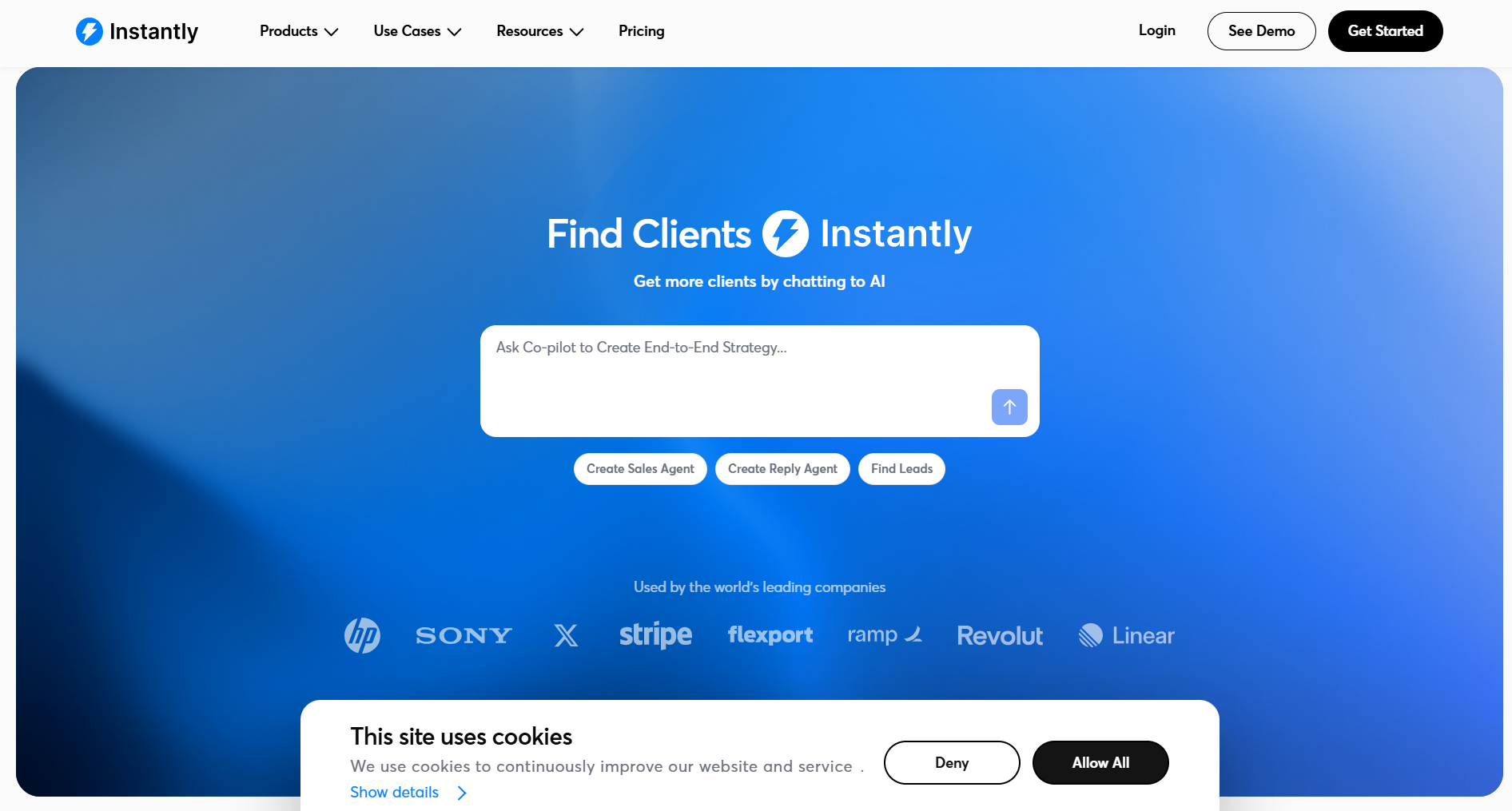
Instantly.ai optimizes for email deliverability and volume.
Instantly.ai is built for one job: sending cold email at scale without wrecking deliverability. You can connect unlimited sending accounts, rotate them automatically, and use warmup tools to keep domains healthy. If your outbound motion is email-first, Instantly covers an execution layer that Octopus CRM does not even try to address.
Plans start at $30/month, which keeps it within reach for lean teams. Instantly does not come with a contact database or enrichment, so you still need a source of leads and a way to verify them. A common pattern is to build and enrich lists in Bitscale or Clay, then push them into Instantly for sequencing. If you want the longer version, see our Instantly.ai review. For pure email volume, an enrichment platform plus Instantly often beats an all-in-one suite that is mediocre at deliverability.
How to Choose: Matching Tools to Your Workflow
Picking the right alternative usually comes down to where your stack is thin. Octopus CRM is not "bad" so much as tightly scoped. If you are a solo consultant sending 50 connection requests a day and you do not need enrichment or multi-channel orchestration, it does what it says on the tin at a hard-to-beat price. The pain shows up when you try to scale beyond that operating model.
If you are evaluating LinkedIn Sales Navigator alternatives alongside automation tools, it helps to separate your stack into layers: data sourcing, enrichment, execution, and analytics. Octopus CRM sits almost entirely in the LinkedIn execution layer. Bitscale and Apollo span multiple layers. Clay (enrichment), Lusha (contact lookup), and Instantly (email execution) go deep on one layer each.
A simple way to decide: if you want a single product that replaces Octopus CRM and also covers enrichment, CRM sync, and prospect research, Bitscale or Apollo are the cleanest fits. If you prefer best-of-breed, Clay + Instantly (connected via Zapier or native integrations) gives you more control, with the trade-off of extra setup and ongoing maintenance.
Verdict: Best Octopus CRM Alternatives by Use Case
- Best overall alternative: Bitscale, for teams that want enrichment, AI research, buying signals, and workflow automation in one GTM platform.
- Best for all-in-one prospecting on a budget: Apollo.io, thanks to its large database and usable free tier.
- Best for data enrichment depth: Clay, when match rates across many providers matter most.
- Best for cold email at scale: Instantly.ai, if email is your primary outbound channel.
- Best for EMEA compliance: Cognism, for teams that need GDPR coverage and phone-verified mobiles.
Octopus CRM still makes sense for budget-conscious solo users who only need straightforward LinkedIn automation. Once you are running a multi-channel outbound motion, the alternatives above tend to return more value per dollar because they cover the parts of the workflow Octopus CRM leaves untouched.
Frequently Asked Questions
Is Octopus CRM safe to use with LinkedIn?
Octopus CRM is a Chrome extension that automates LinkedIn actions by imitating human behavior. It includes daily limits designed to reduce detection risk, but any LinkedIn automation carries a chance of restrictions. Conservative limits and a gradual activity ramp are the usual ways teams try to keep risk down.
Can Octopus CRM replace a full sales automation software stack?
No. Octopus CRM focuses on LinkedIn actions like connection requests, messaging, and profile visits. It does not include email sequencing, contact enrichment, CRM synchronization, or buying-signal detection, so most teams still need additional tools to run a complete outbound workflow.
What is the best free alternative to Octopus CRM for LinkedIn lead generation?
Apollo.io has a free tier with limited contact credits, basic email sequences, and a LinkedIn Chrome extension. It covers more of the prospecting workflow than Octopus CRM's Starter plan, although its LinkedIn automation is less purpose-built.
How does Octopus CRM pricing compare to platforms like Bitscale or Clay?
Octopus CRM is generally positioned as a lower-cost LinkedIn automation tool, while platforms such as Bitscale and Clay provide broader capabilities around enrichment, workflow automation, and data management.
Does Octopus CRM work without keeping my browser open?
No. Because it runs as a Chrome extension, Octopus CRM needs an active Chrome session to execute campaigns. There is no cloud execution, so activity stops when you close the browser or shut down your computer.