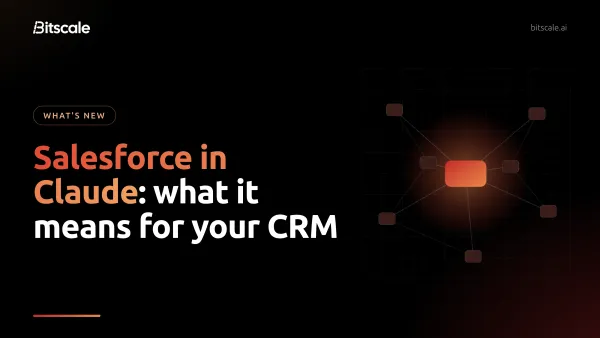
Best Data Cleansing Tools For RevOps Teams
A comparison of data cleansing tools for RevOps teams, covering deduplication, validation, enrichment, and CRM sync across 9 options to improve data quality and forecasting.
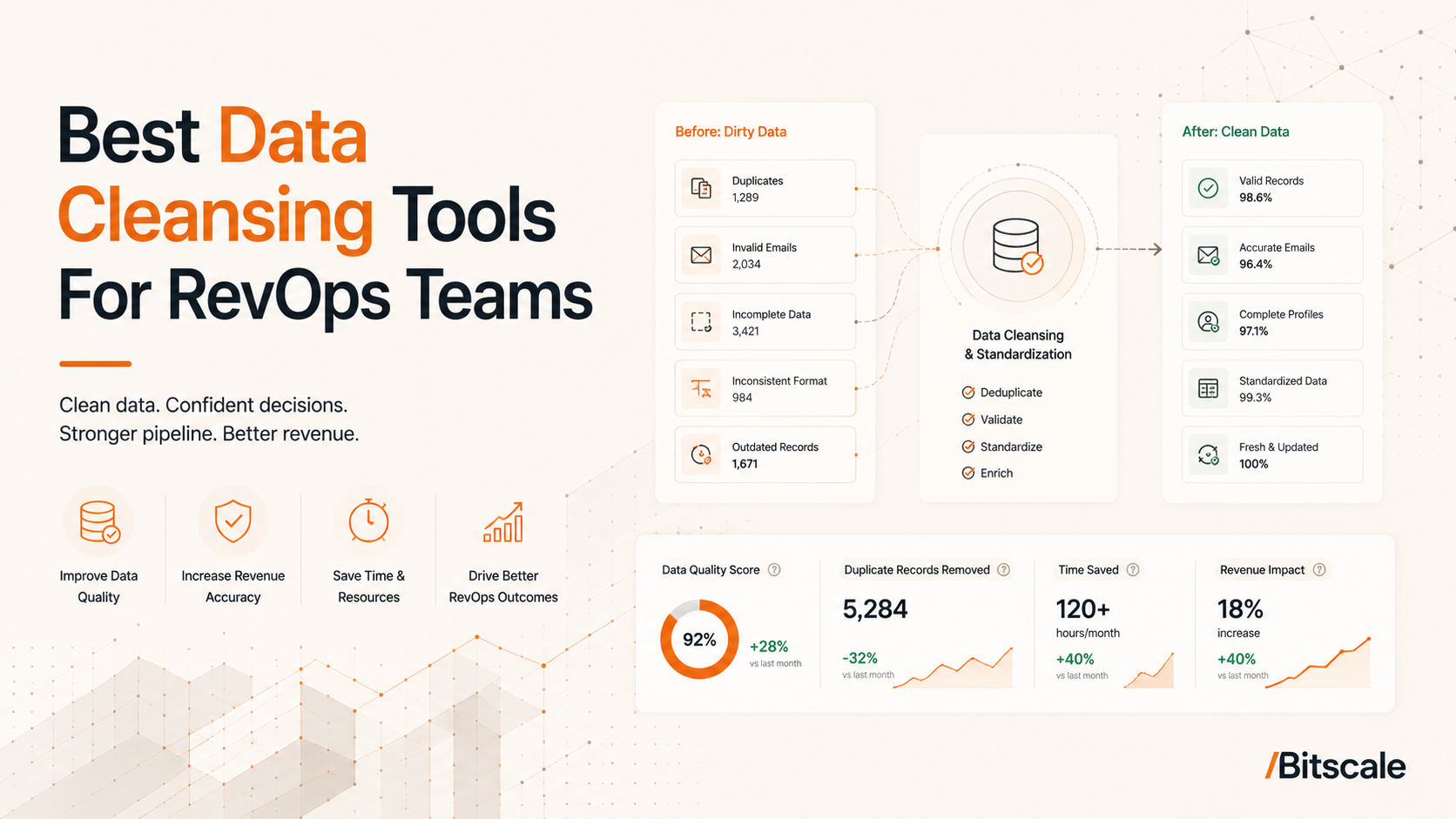
Bad data is the quiet killer of RevOps ROI. It gums up your funnel, sends marketing after the wrong segments, and turns forecasting into performance art. Data inconsistencies remain one of the most common operational challenges for RevOps teams, affecting reporting, segmentation, forecasting, and workflow efficiency. The problem is widespread, and the price tag is real: poor data quality creates significant operational costs through wasted sales effort, inaccurate forecasting, inefficient marketing spend, and missed revenue opportunities. For Revenue Operations teams, keeping the database clean is not just busywork; it is the foundation every strategic decision runs on.
This overview examines the best cleansing tools for RevOps teams. It covers what matters when evaluating vendors, then compares the leading options so you can pick the platform that fits your stack and workflows.
What Is Data Cleansing for RevOps?
Data cleansing means finding and fixing (or removing) inaccurate, incomplete, duplicate, or outdated records across your CRM and other GTM systems. In RevOps terms, it is less about making a spreadsheet look tidy and more about ensuring the data driving your revenue motion (from lead capture through renewal) is dependable.
Common data quality issues include:
- Duplicates: The same lead or account appears multiple times, splitting activity history and confusing reps.
- Inaccuracies: Job titles, phone numbers, or company details are wrong.
- Incompleteness: Records are missing fields you use, like email, industry, or employee count.
- Outdated Information: Contacts change roles, companies get acquired, and your CRM fails to catch up.
Fixing these problems improves metrics RevOps owns: tighter lead scoring, cleaner territory and routing logic, better deliverability, and forecasts you can defend.
Why RevOps Teams Need Cleansing Tools
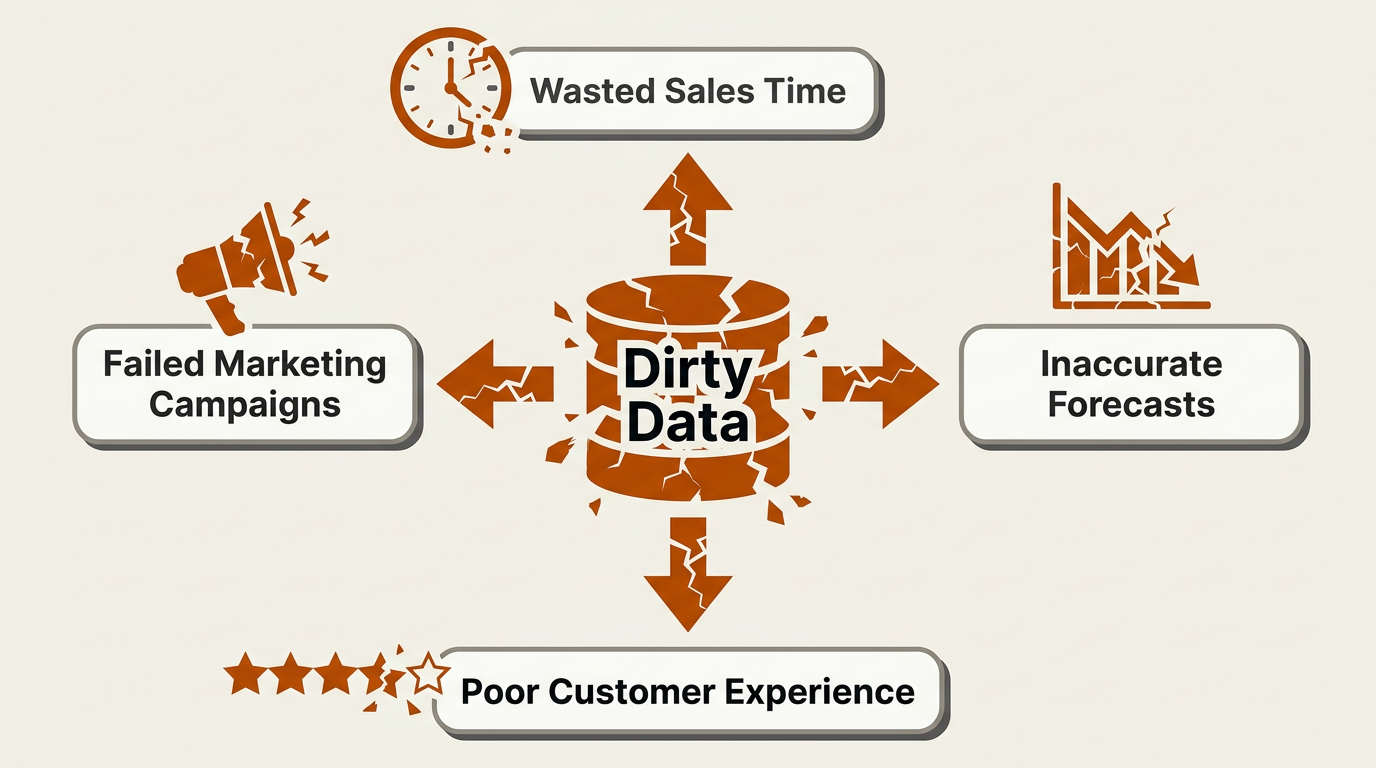
Poor data quality ripples outward, undermining every revenue-generating function a RevOps team manages.
Dirty data is not a mild annoyance; it is an expensive operational drag. Gartner has estimated that poor data quality costs organizations an average of $12.9 million per year in wasted resources and lost opportunities (Gartner, 2024). In RevOps, you feel this cost in the day-to-day:
- Sales Inefficiency: Reps burn hours verifying contact details or chasing leads that moved on months ago. Incomplete or outdated records slow down prospecting and reduce the number of meaningful conversations per day.
- Marketing Misses: Personalization falls apart when the underlying fields are wrong. Deliverability and engagement drop, budget gets wasted, and brand trust takes a hit.
- Flawed Strategy: When the inputs are bad, forecasts and planning are bad too. IBM has identified data quality as a top priority for chief operations officers, reflecting how foundational accurate data is to strategic decision-making (IBM, 2025).
- Hidden Costs: Manual cleanup steals time from higher-leverage work, does not scale, and introduces its own errors.
How to Choose the Right Data Cleansing Tool for Your RevOps Stack
Picking a tool is not about collecting a longer feature checklist. It is about fit: your specific failure modes, your existing stack, and how much process you can realistically change. These are the factors that tend to matter most.
CRM Integration: Seamless Flow is Non-Negotiable
If a tool does not plug cleanly into your CRM (Salesforce, HubSpot, etc.), it is not really part of your system of record. Native, bi-directional integrations are the standard to aim for. They result in fewer CSV gymnastics, less drift between systems, and a better shot at maintaining a single source of truth.
Deduplication: The First Line of Defense
Deduplication is table stakes, but the details matter. You want both exact matching and fuzzy matching to catch real-world messes ("IBM" vs. "International Business Machines"). Custom matching rules and controlled merge logic are what keep you from "cleaning" your database into a new set of problems.
Data Enrichment: Adding Depth to Your Records
Cleansing fixes what's broken; enrichment fills what's missing. The strongest platforms do both, adding firmographic, technographic, and contact fields while they standardize and dedupe. This resource on What is data enrichment lays out the broader framing. And if you're evaluating multi-provider strategies, this article on how waterfall enrichment improves data accuracy explains why one source often is not enough.
Data Validation: Ensuring Accuracy at the Source
The cheapest record to clean is the one you prevent from getting dirty. Real-time validation for emails, phone numbers, and addresses (especially at the point of capture) prevents downstream churn. It also helps to be clear on the tradeoffs between real-time vs. batch processing so you are not forcing every use case into the same cadence.
Automation: Scaling Your Cleansing Efforts
If your hygiene plan depends on someone remembering to run a cleanup, it is already failing. Look for scheduling, rule-based workflows, and triggers that can take action without human intervention. The goal is to move RevOps out of "data janitor" mode and back into operating the revenue system.
Ease of Use & Compliance
Power does not matter if only one person can operate it. A usable UI and a reasonable learning curve drive adoption, and adoption is what keeps hygiene from becoming shelfware. On the governance side, make sure the vendor can support GDPR/CCPA expectations and gives you the security controls and audit trails you will need for data stewardship.
Quick Comparison: Top Data Cleansing Tools For RevOps at a Glance
| Tool | Key Features | Ideal Use Case | Pricing Model |
|---|---|---|---|
| Bitscale | AI research, waterfall enrichment, CRM sync, workflow automation | GTM teams that want integrated lead data plus outbound workflows | Subscription (Tiered) |
| ZoomInfo OperationsOS | Advanced deduplication, lead routing, data orchestration | Enterprises with complex data environments and big budgets | Subscription (Custom) |
| DemandTools | Deep Salesforce integration, mass modification, standardization | Salesforce admins and dedicated data stewards | Subscription (Custom) |
| WinPure Clean & Match | Broad source support, fuzzy matching, data profiling | Teams cleaning data across CRMs, databases, and files | Subscription / License |
| OpenRefine | Data wrangling, transformations, scripting (free & open source) | Data-savvy teams with tight budgets | Free |
| LeadAngel | Lead-to-account matching, routing, deduplication | Ops teams optimizing lead management and speed-to-lead | Subscription (Volume-based) |
| Zoho DataPrep | Visual pipeline builder, AI-assisted transformations, Zoho ecosystem | Businesses standardized on Zoho apps | Subscription (Tiered) |
| Informatica CDQ | Enterprise governance, profiling, monitoring, compliance | Large enterprises in regulated environments | Consumption-based |
| Melissa Clean Suite | Global address/email/phone verification, real-time & batch | Global businesses that need high-accuracy validation | Credits / Subscription |
| Comparison of top cleansing tools for RevOps as of Q2 2026. |
Best Data Cleansing Tools for RevOps Teams: Our Top Picks
Below is a breakdown of how these tools perform, what they excel at, and the type of RevOps team they fit. For each tool, we have included a "Works with" snapshot and pricing details to help you gauge stack compatibility and budget.
1. Bitscale: The AI-Powered RevOps Data Engine

Bitscale combines data cleansing with powerful AI-driven enrichment and workflow automation.
Bitscale is a go-to-market data platform for RevOps and sales teams, not just a cleanup utility. While many tools focus on fixing data already in your CRM, Bitscale combines data acquisition with cleansing and enrichment to improve inputs and outputs. Its workflow layer and waterfall enrichment pull from multiple data providers to increase coverage and accuracy for emails and phone numbers.
This means you can standardize records in Salesforce or HubSpot and also build clean net-new lists without switching tools. The feature set leans into execution, offering an AI research agent that scrapes websites for missing fields, CRM sync, and prebuilt workflows to automate common data tasks. This combination appeals to teams trying to improve data quality while tightening outbound operations. If you're comparing workflow-first stacks, this Clay vs Apollo vs Bitscale breakdown adds useful context.
Works with: Salesforce, HubSpot, Google Sheets, Slack, Zapier, REST APIs, and third-party data providers via waterfall enrichment. Bitscale also supports CSV imports and direct CRM sync for bi-directional record updates.
Pricing: Tiered subscription plans. Bitscale offers a free tier for initial exploration, with paid plans scaling based on credits and feature access. Check the Bitscale pricing page for current plan details.
2. ZoomInfo OperationsOS (formerly RingLead)
ZoomInfo OperationsOS is an enterprise-grade platform for data orchestration.
ZoomInfo OperationsOS (which now includes RingLead) is built for enterprise-scale data orchestration. It is designed to take messy inputs from multiple systems, standardize them according to your rules, and prevent your CRM from accumulating duplicate or conflicting records. Deduplication, normalization, and lead-to-account routing are central to its function. Because it sits within the ZoomInfo ecosystem, it can also use ZoomInfo's B2B data for enrichment. The platform is powerful, but it comes with a significant price tag and implementation effort.
Works with: Salesforce, HubSpot, Microsoft Dynamics 365, Marketo, Eloqua, and other major MAPs and CRMs. It also connects to ZoomInfo's proprietary B2B database for inline enrichment, plus supports custom integrations via API.
Pricing: Custom quotes only. ZoomInfo uses custom enterprise pricing based on selected products, data access requirements, implementation scope, and contract terms. Organizations typically need to contact ZoomInfo directly for pricing.
3. DemandTools by Validity
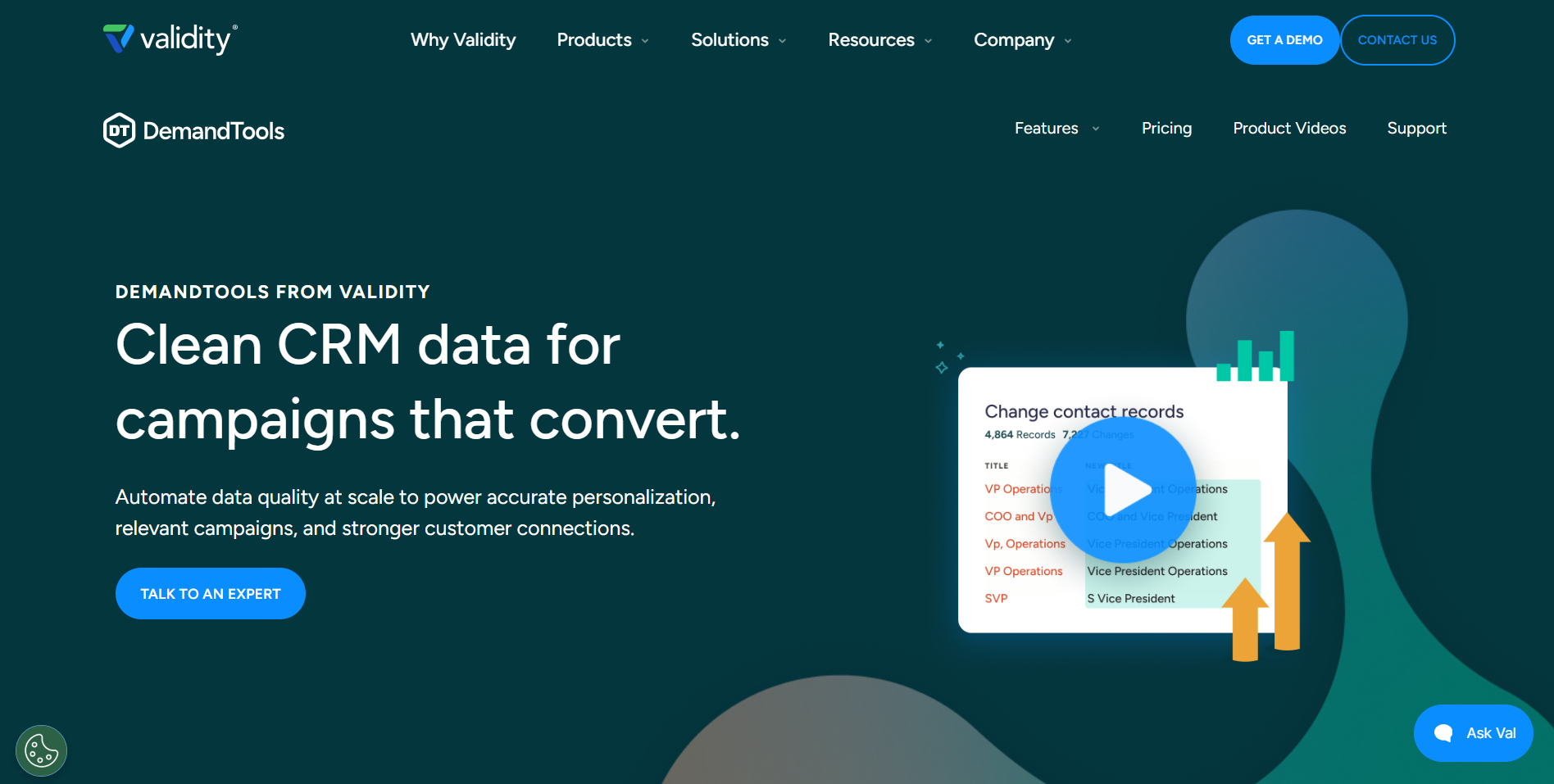
DemandTools is a favorite among Salesforce administrators for deep data management.
DemandTools is a popular choice in Salesforce data-quality circles because it offers fine-grained control. It is a toolbox for CRM admins and data stewards who focus on details. The deduplication module is a key feature, providing sophisticated matching and tight control over record merges. DemandTools also excels at large-scale operations, such as mass updates, standardization, and data loading. If you need to reformat phone numbers across an entire organization or clean up a messy import, it is one of the most capable options in the Salesforce ecosystem.
Works with: Salesforce (the primary and deepest integration). DemandTools is purpose-built for the Salesforce data model, covering Leads, Contacts, Accounts, and custom objects. It also supports CSV/Excel imports for bulk operations. If your CRM is not Salesforce, this tool will not be the right fit.
Pricing: Custom subscription pricing through Validity. DemandTools is typically sold as part of Validity's broader data quality suite (which includes GridBuddy Connect and BriteVerify). Contact Validity for a quote based on org size and required modules.
4. WinPure Clean & Match
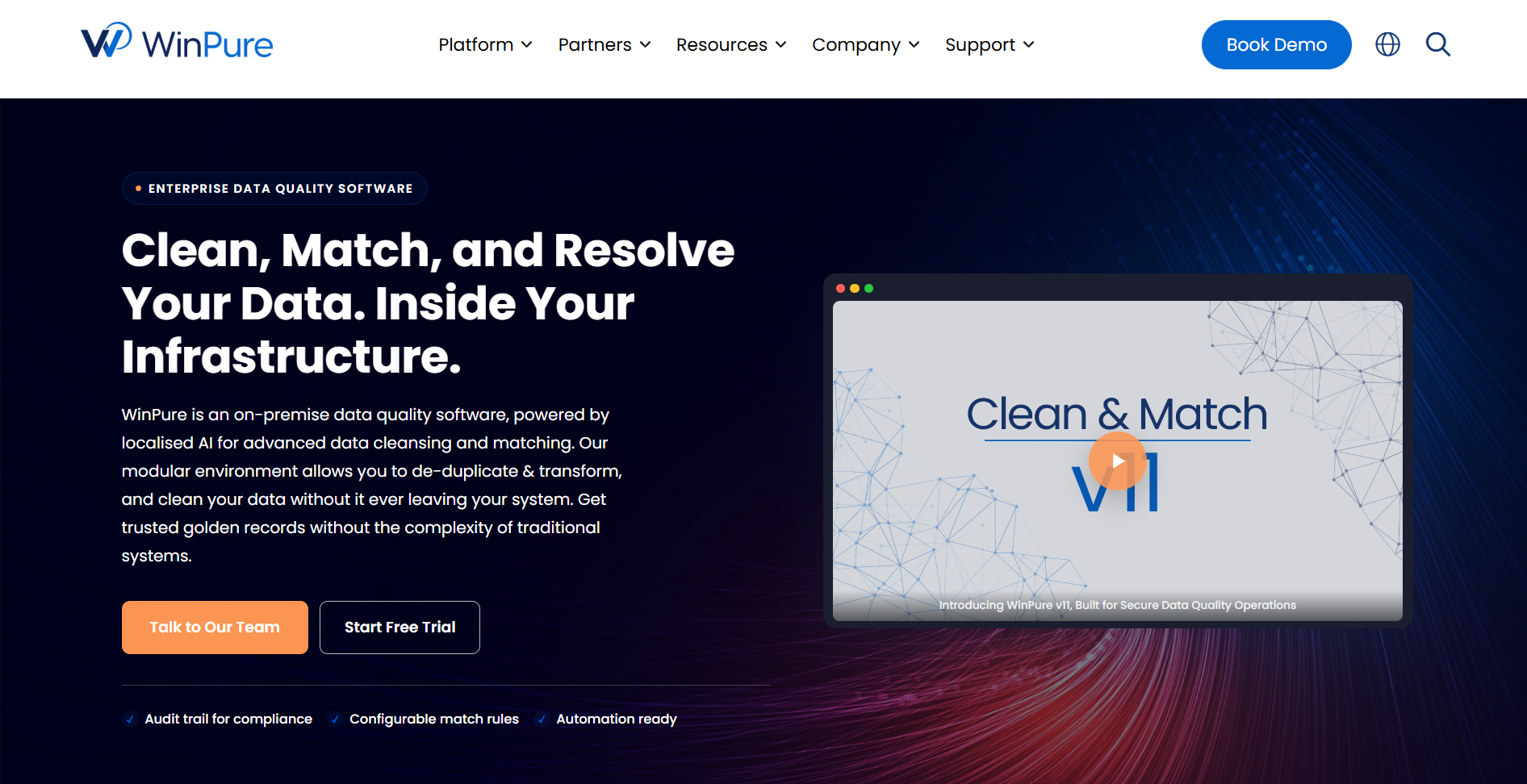
WinPure offers versatile data quality tools for various data sources.
WinPure Clean & Match is a solid choice when your RevOps data does not reside neatly in one CRM. It is built to clean data across databases, spreadsheets, and files, which is useful if your source-of-truth is not centralized. It provides data profiling to assess data quality before you make changes, plus cleansing and matching with well-regarded fuzzy logic. WinPure is often deployed as a desktop app, which can be a benefit for teams with strict data residency constraints. It is a strong fit for managing multiple systems, not just Salesforce or HubSpot.
Works with: SQL Server, MySQL, Oracle, PostgreSQL, Excel, CSV, Access, and text files. WinPure connects to CRMs like Salesforce and Dynamics via ODBC/OLEDB, and it can also pull from cloud databases. The desktop deployment model means data stays on your infrastructure.
Pricing: Available as both a perpetual license and a subscription. WinPure publishes starting prices on its website, with tiers based on the number of records and modules (Clean, Match, or the combined suite). Visit the WinPure website for current pricing details.
5. OpenRefine
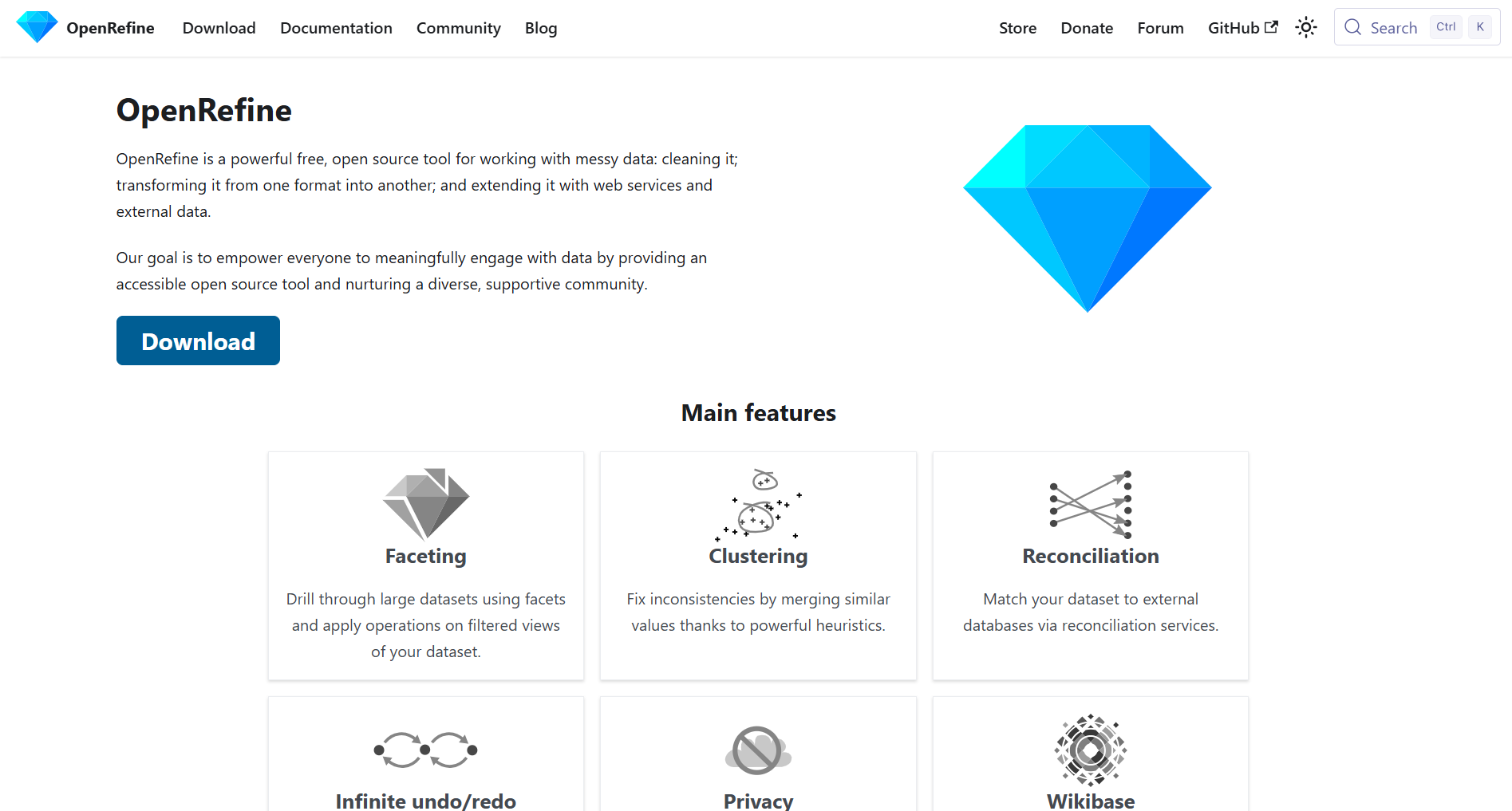
OpenRefine is a powerful, free, and open-source tool for data wrangling.
OpenRefine is a good option when you need powerful cleanup capabilities without a purchase order. It is free, open source, and effective for managing messy datasets. Originally known as Google Refine, it runs locally and allows you to explore and transform data with tools like faceting and clustering to spot inconsistencies quickly. You can apply transformations with expressions and enrich records via external APIs. It lacks the conveniences of paid platforms (like native CRM integrations and continuous automation), so it is best for one-off cleanup projects, especially for CSVs that need fixing before an import. The learning curve can be steep, but the flexibility is hard to beat for a free tool.
Works with: CSV, TSV, Excel, JSON, XML, RDF, and Google Sheets. OpenRefine can also call external web services and APIs (including reconciliation services like Wikidata) for enrichment. There are no native CRM connectors, so you will export from your CRM, clean in OpenRefine, and re-import.
Pricing: Completely free and open source. No license fees, no usage caps, no credit system. You just download it and run it locally. Community-maintained with active development on GitHub.
6. LeadAngel
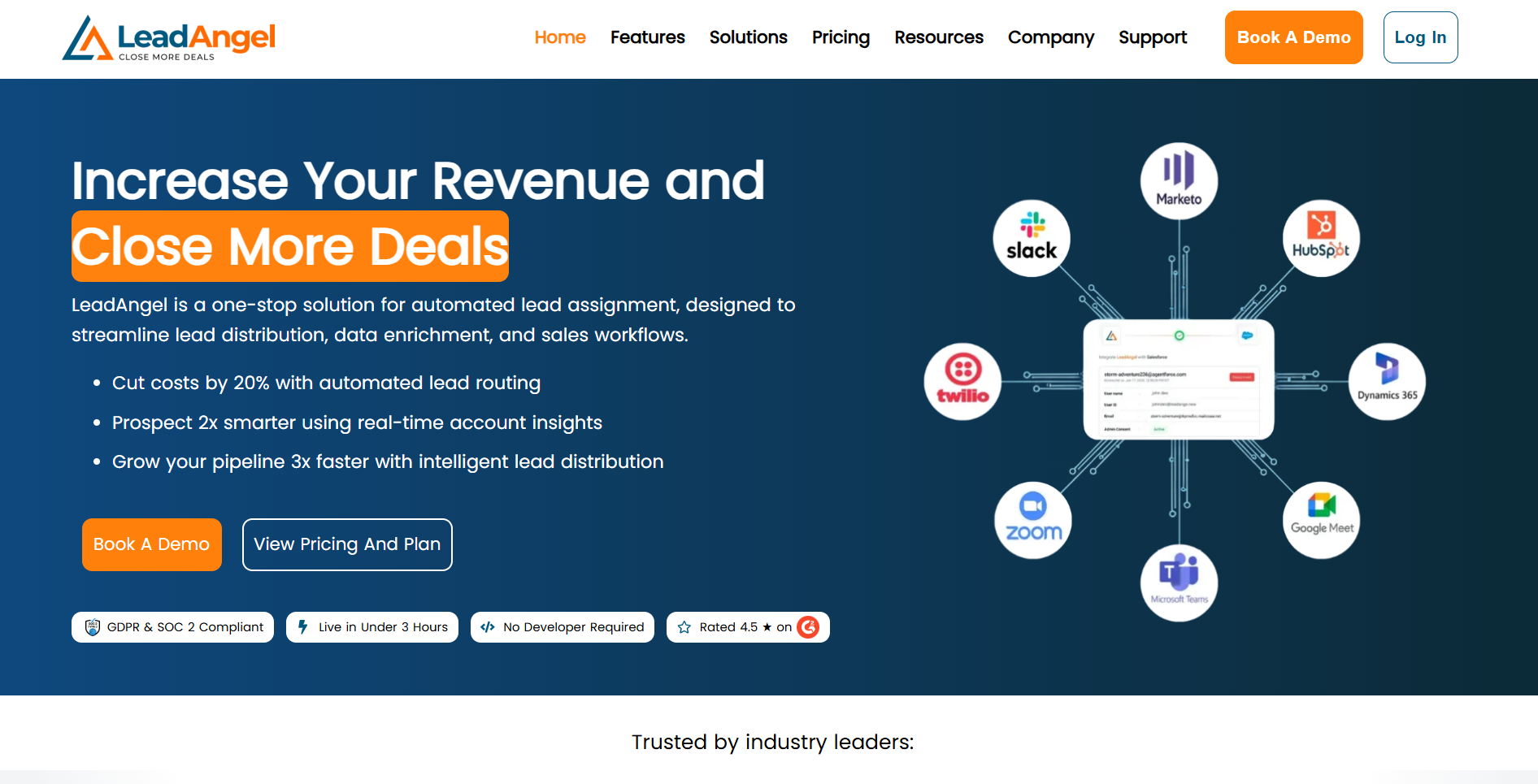
LeadAngel combines deduplication and enrichment with a powerful routing engine to prevent pipeline stalls.
LeadAngel's focus is straightforward: data quality is inseparable from lead management, particularly with complex routing. The platform focuses on keeping leads clean and complete, then getting them to the right owner immediately. It includes lead-to-account matching, deduplication, and enrichment, but its main differentiator is the routing engine. You can set rules around territory, account ownership, and custom logic to prevent leads from stalling during handoffs. If speed-to-lead is a top KPI and misrouted leads are costing you pipeline, LeadAngel is built for that specific problem.
Works with: Salesforce, HubSpot, Marketo, and Pardot. LeadAngel integrates with these platforms for real-time lead routing, deduplication, and lead-to-account matching. It also supports inbound webhook triggers for custom workflows.
Pricing: Volume-based subscription. LeadAngel offers a free tier for smaller teams, with paid plans that scale based on the number of leads processed per month. Pricing details are available on request from the LeadAngel sales team.
7. Zoho DataPrep
Zoho DataPrep is a strong choice for users within the Zoho ecosystem.
For companies already standardized on Zoho, Zoho DataPrep is a logical starting point. It is a self-service data preparation and pipeline tool with a visual builder that non-technical users can operate. You can connect to multiple sources (including Zoho CRM and other Zoho apps), clean and transform the data, and then sync it to other systems. It also provides AI-driven suggestions for transformations and quality checks. While it can connect to external systems like Salesforce, its primary value is for organizations heavily invested in the Zoho stack.
Works with: Zoho CRM, Zoho Analytics, Zoho Creator, Salesforce, MySQL, PostgreSQL, SQL Server, cloud storage (Google Drive, Dropbox, Box), CSV, and Excel files. The deepest, most seamless connections are within the Zoho ecosystem.
Pricing: Tiered subscription as part of the Zoho product family. Zoho DataPrep offers a free plan with limited rows, and paid plans increase row limits and add advanced features. Pricing is published on the Zoho website.
8. Informatica Cloud Data Quality
Informatica offers an enterprise-grade solution for comprehensive data governance.
Informatica Cloud Data Quality is a high-end, enterprise data quality and governance suite for large, complex organizations. It covers profiling, cleansing, standardization, and monitoring across the entire business, not just the CRM. It is built with scale, compliance, and regulated environments in mind. For many RevOps teams, this breadth may be excessive in terms of both features and cost. For a Fortune 500 company implementing a global data quality framework, it is a credible contender.
Works with: Salesforce, SAP, Oracle, Microsoft Dynamics, Snowflake, Databricks, AWS, Azure, Google Cloud, and hundreds of other enterprise connectors. Informatica's CLAIRE AI engine works across these sources for profiling and anomaly detection. The platform is designed for organizations that need to govern data across dozens of systems simultaneously.
Pricing: Consumption-based (IPU, or Informatica Processing Units). There are no publicly listed prices. Costs scale with data volume, the number of connectors, and the modules activated. Informatica is positioned for enterprise budgets and typically requires a conversation with their sales team to scope a deal.
9. Melissa Clean Suite
Melissa specializes in high-accuracy global contact data verification.
Melissa has been in the data quality business for years, and its Clean Suite reflects a strong focus on verification. The product's strength is global address, email, and phone validation. If you sell internationally, you know how quickly incorrect address formats can lead to failed deliveries and support tickets. This is where Melissa excels. It integrates with CRMs like Salesforce and Dynamics to verify and correct contact data in real time or through batch runs, ensuring that outreach and shipments reach their intended destinations.
Works with: Salesforce, Microsoft Dynamics, Oracle, SAP, SSIS, Informatica, Talend, and direct API access for custom applications. Melissa also offers plugins for Excel and web forms for point-of-capture validation. Coverage spans 240+ countries for address verification.
Pricing: Credit-based and subscription options. Melissa offers a pay-as-you-go credit model (useful for occasional batch runs) alongside monthly subscriptions for teams that need ongoing verification. A free trial is available to test the service before committing.
Which Data Cleansing Tool Should Your RevOps Team Choose?
There is no universal "best" tool. The right pick depends on team size, budget, your biggest data failure modes, and what you already have in your stack.
- For small teams and startups: Use OpenRefine for manual cleanups to understand what is broken without spending money. If you are all-in on Zoho, Zoho DataPrep is a more scalable, user-friendly starting point.
- For growing SMBs and mid-market teams: This is where tradeoffs begin to matter. If you want integrated data acquisition plus automated workflows that support an outbound motion, Bitscale is a strong modern option. If the bigger issue is cleaning data across many sources (not just the CRM), WinPure is worth a look.
- For enterprise-level RevOps: If you run a complex Salesforce org and need granular control, DemandTools is the data steward's pick. If you are orchestrating data across a larger revenue stack with advanced routing, ZoomInfo OperationsOS is built for that. If governance and compliance are the primary drivers, Informatica offers the broadest framework.
Common RevOps Data Cleansing Mistakes to Avoid
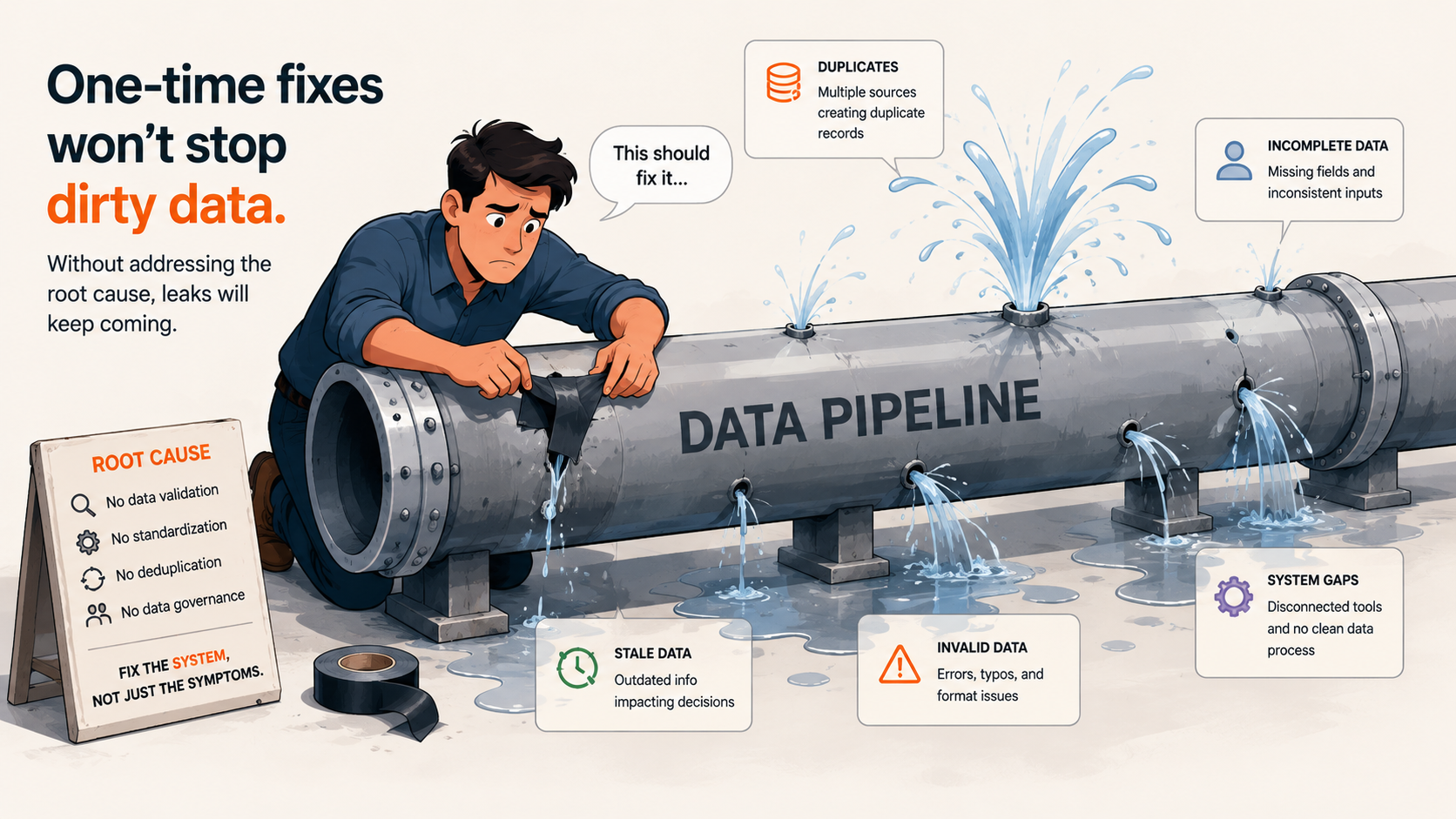
One-time cleanups only treat symptoms — the underlying data process must be fixed.
Buying a tool does not automatically result in clean data. The teams that succeed at this avoid a few predictable traps:
- The One-and-Done Cleanup: Data decays constantly. Hygiene must be continuous, not a heroic quarterly project. If you do not change the processes that create bad records, you will end up back where you started.
- Ignoring the Source: Figure out why the data is dirty in the first place. Are reps undertrained? Are forms missing validation? Are integrations dropping fields? Tools can clean up the mess, but they cannot stop the leak by themselves.
- Working in a Silo: Data quality is not just an ops issue. Involve sales and marketing leadership, quantify how bad data impacts their goals, and get agreement on data entry standards and enforcement.
- Expecting One Tool to Do Everything: Even platform tools have limitations. You might use OpenRefine for a difficult one-off file cleanup and a tool like Bitscale for ongoing CRM enrichment and hygiene. Aim for a data quality practice, not a single purchase.
Invest in Data Health for RevOps Success
Clean data keeps the revenue engine running smoothly. Without it, RevOps ends up optimizing noise, lead scoring becomes inaccurate, routing breaks, and forecasts become guesswork. Investing in the right cleansing tools for RevOps is less about spending and more about reclaiming sales productivity, marketing efficiency, and planning clarity. Audit your current data health, trace the root causes, and then pick the tools that let you maintain hygiene without constant manual effort.
If you want more on building a durable data foundation, the Bitscale Blog has additional pieces on enrichment, workflows, and GTM execution.
FAQs About Cleansing Tools For RevOps
What's the best data cleansing tool for RevOps teams?
"Best" depends on what you're optimizing for. If you want integrated data acquisition, enrichment, and cleansing tied to workflows, Bitscale is a strong contender. If you need deep Salesforce administration, DemandTools is a go-to. For enterprise orchestration and routing, ZoomInfo OperationsOS is a powerful option.
What is data cleansing in RevOps?
Data cleansing in RevOps is the work of identifying, correcting, and removing inaccurate, duplicate, incomplete, or outdated records from the systems that run your revenue motion (starting with the CRM). The objective is to provide data that sales, marketing, and customer success teams can rely on.
How often should RevOps teams clean CRM data?
Treat cleansing as a continuous, ideally automated, process rather than an occasional event. Many teams run weekly hygiene checks and perform deeper audits monthly or quarterly. Prevention is also important: validation at the point of capture plus automated rules keeps the backlog from growing.
What is the difference between data cleansing and data enrichment?
Data cleansing is about fixing what you already have by correcting errors, removing duplicates, and standardizing formats. Data enrichment is about adding what is missing, such as job titles, phone numbers, company size, and similar fields. Most mature RevOps teams use both. For more options on the enrichment side, see the best data enrichment tools.
Can data cleansing improve outbound performance?
Yes. Cleaner contact data improves deliverability, reduces bad dials, and makes personalization and segmentation more reliable. The downstream effect is higher connect rates, better conversations, and more pipeline from the same outbound effort.
What data should RevOps teams clean first?
Start where the revenue impact is immediate: core account and contact fields. Clean your target account list, key contact records (especially email and phone), and opportunity data. If you need a structured starting point, building a clean TAM list helps focus the work; see build a clean total addressable market list.