Clay Alternative: 10 Best Tools Compared for Data, Enrichment & Workflows (2026)
Table of contents
- Why businesses use tools like Clay
- Features businesses look for in a Clay alternative
- What to look for when choosing a Clay alternative
- Things to consider when picking a Clay alternative
- 10 Best Clay Alternatives and Competitors in 2026
- Pros & Cons comparison table (quick scan)
- Indirect competitors (tools that replace parts of Clay)
- Final takeaway
Outbound teams don’t struggle because they can’t send emails. They struggle because finding the right people and getting usable contact data takes too long-and most of the work happens in messy spreadsheets, multiple subscriptions, and manual research.
That’s why tools like Clay became popular.
Clay-style tools help businesses:
- Build lead lists faster (without doing hours of research)
- Find work emails and phone numbers
- Fill in missing details (job title, company size, industry, location, etc.)
- Automate repetitive steps so teams can focus on talking to prospects
In plain terms, businesses want to go from “we should target this audience” → to “we have a clean outreach-ready list” as quickly as possible.
Why businesses use tools like Clay
A Clay-like tool acts like a smart spreadsheet that can:
- pull data from multiple sources
- clean and enrich it
- and push it into the tools you already use (CRM and email sending tools)
Instead of a salesperson doing:
“Find companies → open LinkedIn → search roles → copy/paste → guess emails → verify → repeat…”
Clay-like tools turn it into a repeatable process.
Features businesses look for in a Clay alternative
If you’re shopping for the best Clay alternative, these are the features that matter most to most teams:
- Good contact data (email + phone): Not just “found something,” but data that actually works in outreach.
- Multiple sources (so you get better hit rates): If one provider fails, the tool should try another automatically (waterfall enrichment).
- Automation without complexity: You shouldn’t need a RevOps person to build every workflow.
- Easy handoff to outbound tools + CRM: Integrations matter: HubSpot and popular outbound platforms like Instantly/Smartlead/Heyreach are common requirements.
- Predictable pricing: Tools that look cheap can become expensive when you scale usage.
What to look for when choosing a Clay alternative
Before comparing tools, decide what kind of “alternative” you actually need:
If your biggest pain is “data quality”
Look for: database strength + verification + direct dials (Examples: ZoomInfo, Cognism)
If your biggest pain is “workflow building + repetitive tasks”
Look for: workflow-first platforms + playbooks + enrichment automation (Example: Bitscale; also some automation-first platforms)
If your biggest pain is “sending volume”
Look for: cold email sequencing tools (Examples: Instantly, Saleshandy)
A lot of teams fail here because they try to replace Clay with a single-category tool that only does one piece.
Things to consider when picking a Clay alternative
Here are the buying criteria that usually matter most in real life:
- Time to first campaign: how fast can a non-technical SDR set it up?
- Cost per usable lead: not the sticker price-how many leads you can enrich and actually contact
- Accuracy at your ICP level: does it work for your market (US is usually best-supported across most vendors)
- Integrations: does it fit your stack without manual exports?
- Support + documentation: workflow tools are only good if teams can actually run them
10 Best Clay Alternatives and Competitors in 2026
1) Bitscale - Best workflow-first Clay alternative for outbound execution
Best for: SDR teams, RevOps teams, outbound agencies that want enrichment + workflows + outbound handoff
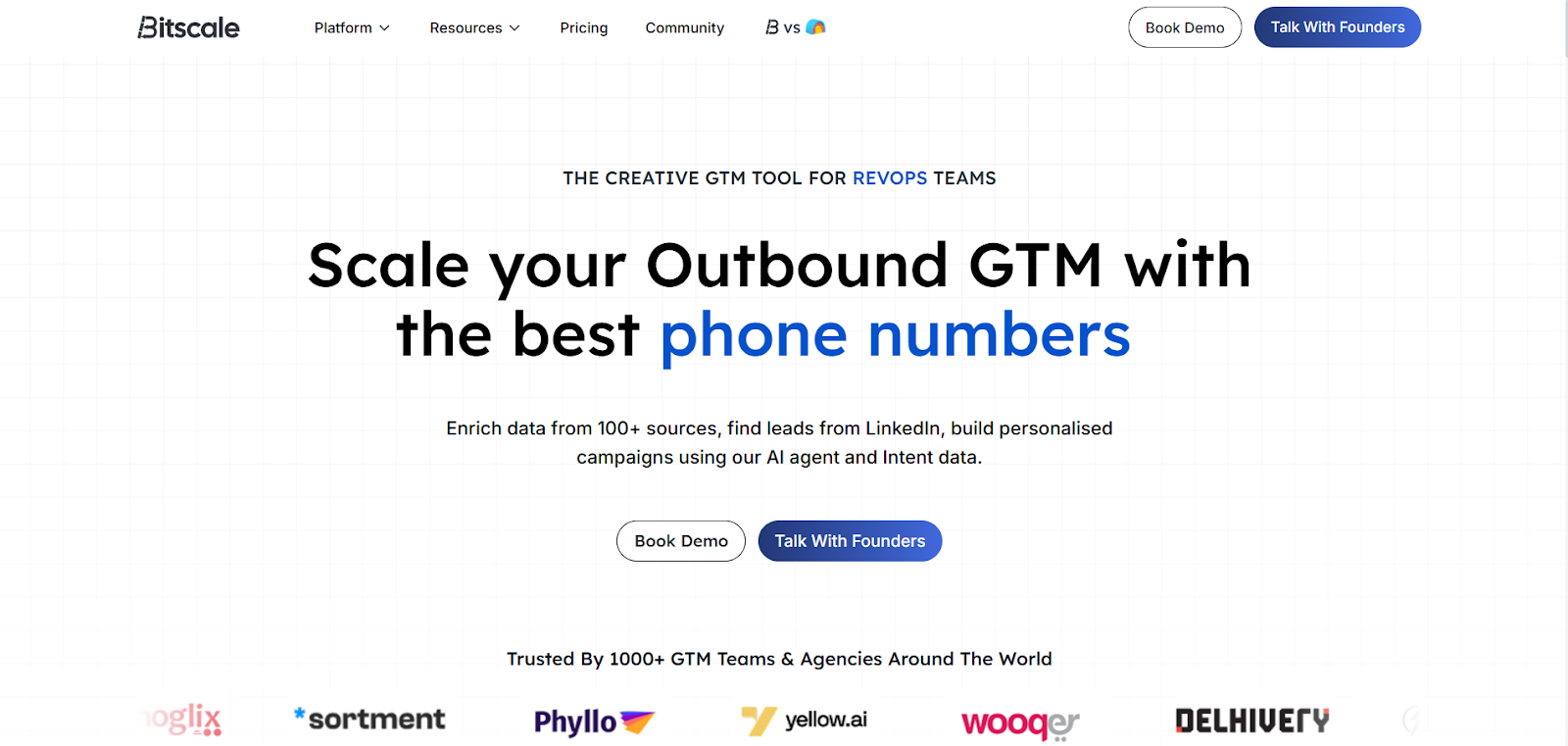
What it is (simple): Bitscale is built to help teams source + enrich + run outbound workflows with less setup. It’s positioned around multi-source enrichment, workflow playbooks, and integrations that push enriched leads into outbound tools and CRMs.
Pricing (published examples): Bitscale’s Growth plan is shown at $349/month, and Booster at $799/month in third-party and directory summaries; Bitscale also publishes a pricing page that references credit rollover rules.
Best part: The “workflow + enrichment + integrations” combination is what most teams want when they search “best Clay alternative”-especially teams using HubSpot and outbound platforms.
What can be improved: As a newer platform, you may find fewer years of public review history than long-established databases.
Pros
- Strong positioning around waterfall enrichment + phone + workflows (not just data pulling)
- Pricing details and credit rollover guidance are public and explained (helps predictability)
- Built to plug into outbound stack (HubSpot + sending tools)
Cons
- Smaller “legacy reputation” footprint versus enterprise databases (normal for newer vendors)
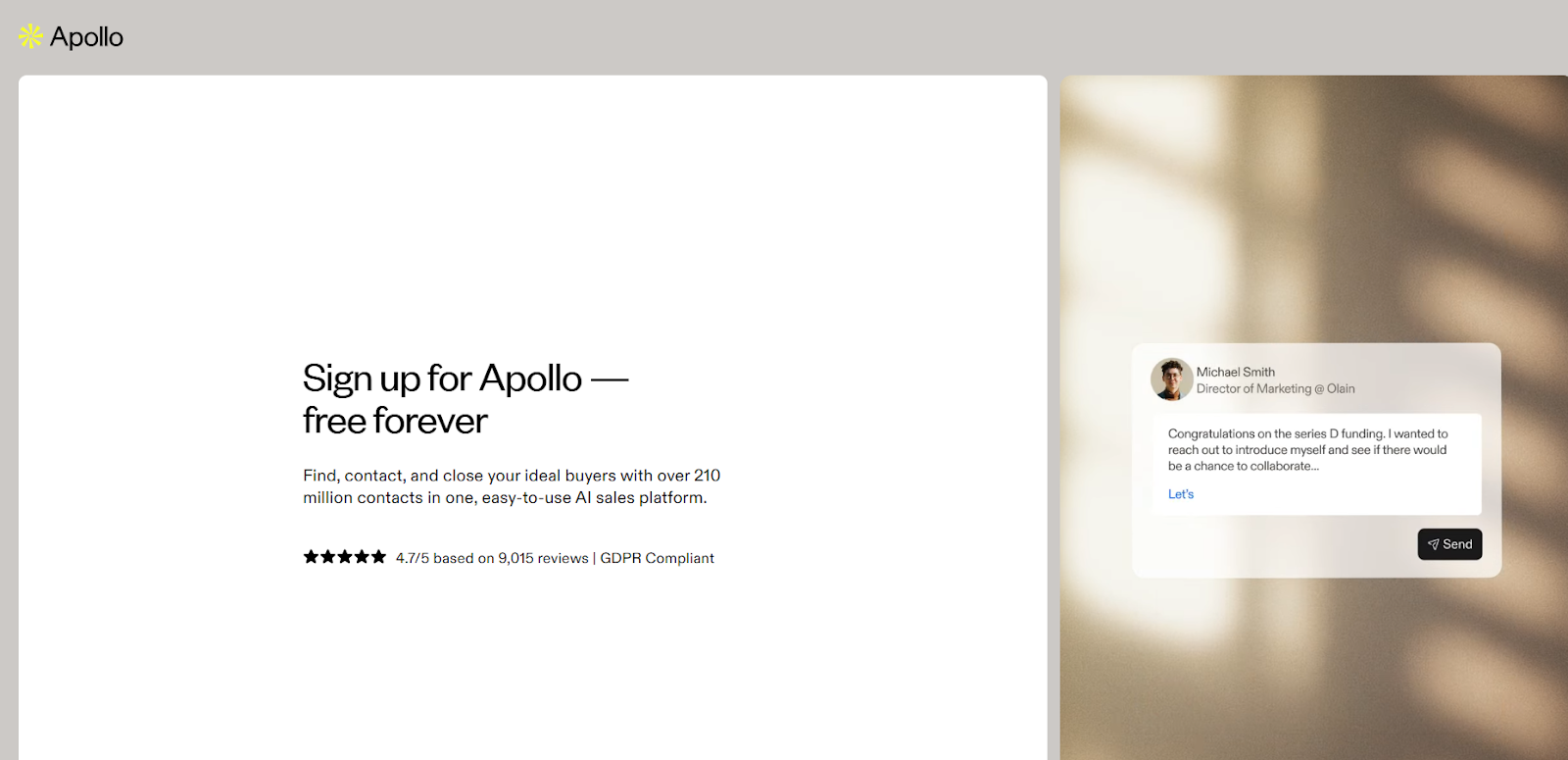
2) Apollo - Best all-in-one option for SMB prospecting + basic workflows
Best for: Small-to-mid sales teams that want prospecting + outreach in one tool
Pricing (published):Apollo’s publicly listed tiers commonly show Basic ~$49/user/month, Professional ~$79/user/month, Organization ~$119/user/month (pricing pages and G2 pricing listings reflect this structure).
Best part: A single tool to go from “find leads” to “send sequences” quickly.
What can be improved: Data accuracy and workflow complexity are recurring review themes.
Pros (review signals)
- Users often say it saves time on prospecting and outreach, with strong filters and CRM integrations.
Cons (review signals)
- Reviews frequently mention inconsistent data in some segments/markets and the UI feeling overwhelming at first.
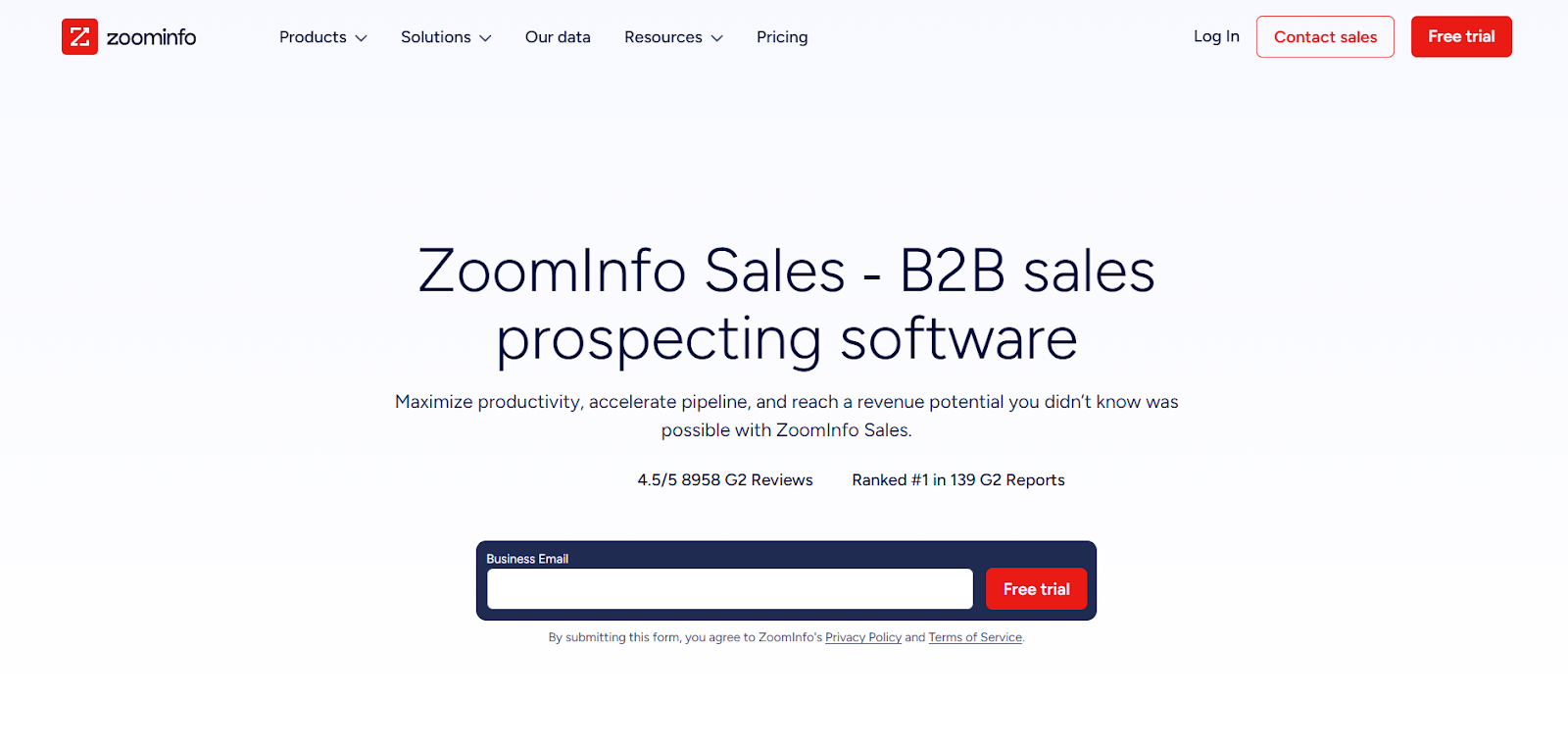
3) ZoomInfo Sales - Best enterprise database alternative
Best for: Enterprise teams needing large-scale coverage, firmographics, and buying signals
Pricing (typical published ranges): ZoomInfo pricing is generally quote-based, but industry breakdowns commonly cite tiers around $15k–$45k+ per year depending on seats and package.
Best part: Deep database + enterprise-grade workflow around account targeting.
What can be improved: Cost and “too much product” for smaller teams.
Pros (review signals)
- Many users call the platform robust and helpful for pipeline creation.
Cons (review signals)
- Cost is the most repeated complaint; outdated contacts can still happen; learning curve can be significant.
4) Cognism - Best for direct dials + compliance-focused prospecting
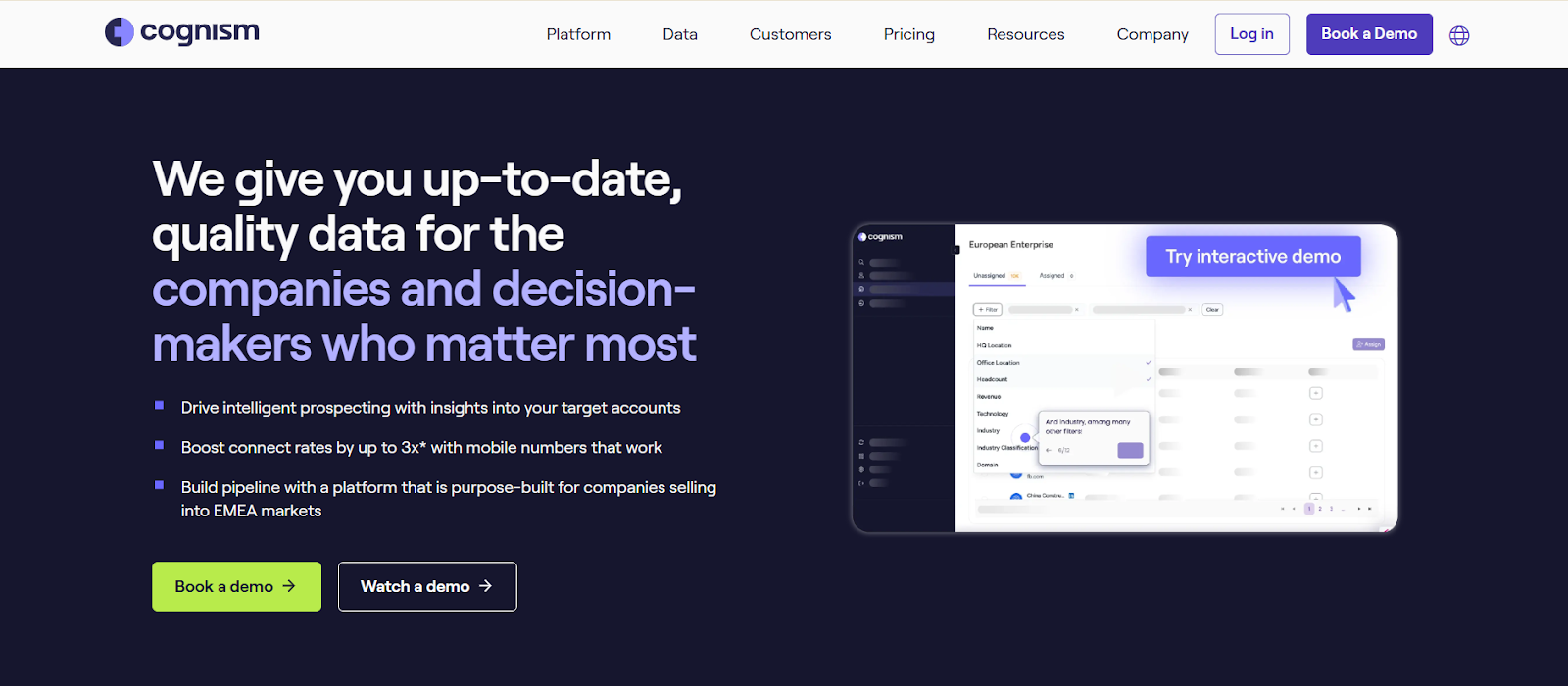
Best for: Teams that prioritize phone numbers and compliance posture
Pricing (typical published ranges):Independent reviews commonly cite Cognism starting around €15k/year for some plans/structures (varies heavily by team size and contract).
Best part:Strong reputation around direct dials and reliable B2B data.
What can be improved:Like most databases, it can still have outdated or missing records sometimes.
Pros (review signals)
- Users often praise reliable data and strong direct dials that save time versus juggling multiple tools.
Cons (review signals)
- Reviews also note outdated/incorrect numbers occasionally and gaps in availability.
5) Lusha - Best for quick contact lookup + LinkedIn workflow
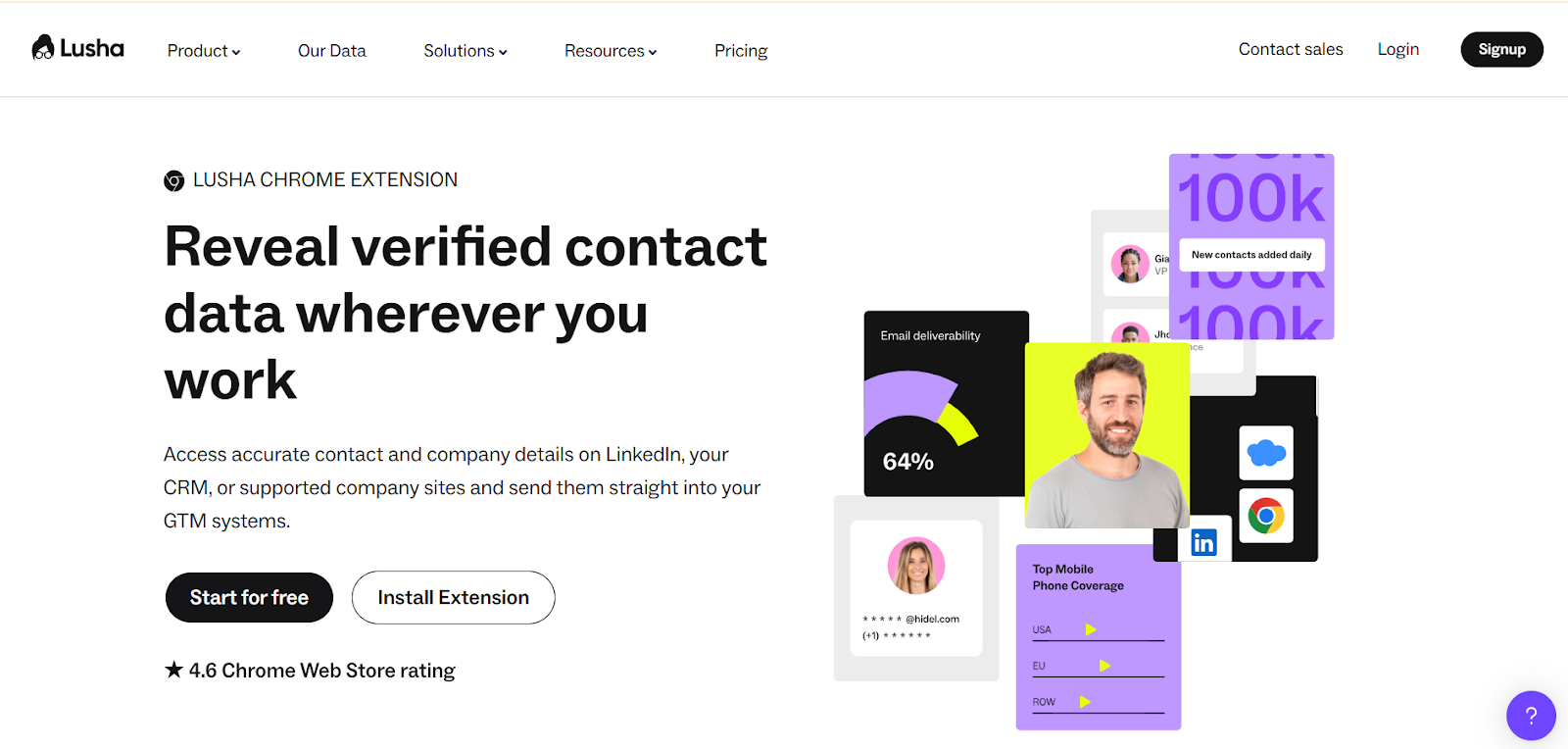
Best for: Reps who want quick contact enrichment via extension/CRM
Pricing (published via G2):G2 lists Pro starting ~$29.90/month and Premium starting ~$69.90/month (credit-based).
Best part:Fast setup and easy UI for prospecting.
What can be improved:Credit burn + inconsistent accuracy depending on niche/region.
Pros (review signals)
- Reviews commonly mention speed, ease of use, and smooth LinkedIn/CRM workflows.
Cons (common themes)
- Like most contact tools, accuracy isn’t perfect everywhere; users often pair it with other sources.
6) Kaspr - Best LinkedIn-first enrichment for email + some phone credits
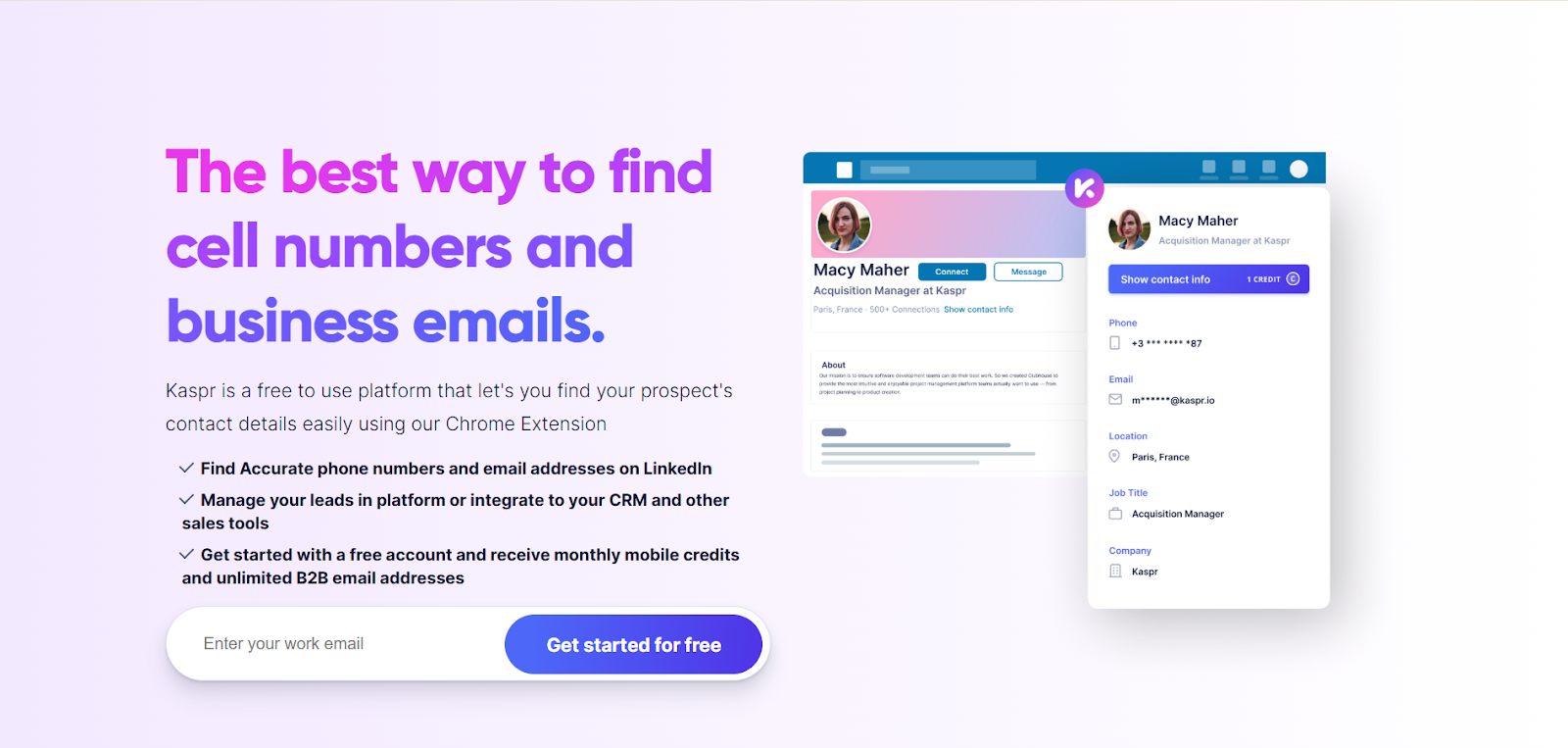
Best for: Teams prospecting heavily on LinkedIn / Sales Navigator
Pricing (published):Kaspr’s pricing page lists Starter around $49/month (with phone credits and unlimited B2B emails).
Best part:Simple way to enrich from LinkedIn workflows.
What can be improved:Not designed as a full “workflow layer” like Clay; you’ll still need automation + sending tools.
Pros
- Straightforward for LinkedIn-first prospecting.
Cons
- Limited breadth compared to workflow-first platforms (more of a capture/enrich layer).
7) Persana AI - Best for AI-led research + signals + enrichment
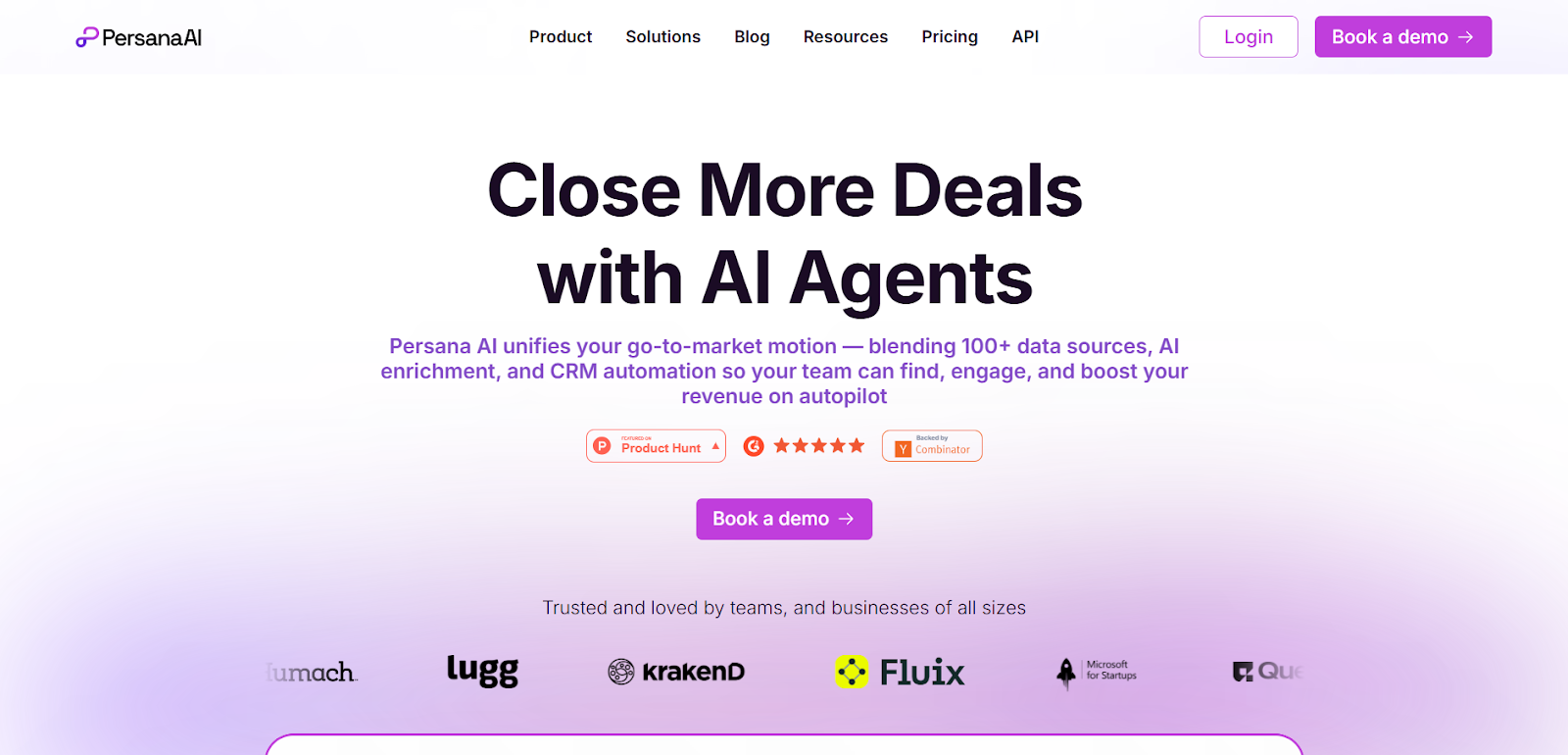
Best for: Teams wanting enrichment plus AI support for targeting and personalization
Pricing (published):Persana’s pricing page lists tiers such as Starter ~$68/month (annual) and higher tiers (e.g., Growth/Pro) depending on credits and features.
Best part:AI-assisted research and playbooks can speed up personalization.
What can be improved:Workflow complexity for small teams and “getting the setup right.”
Pros
- Credit-based model with clear tiers and automation features listed.
Cons (review themes)
- Some users mention learning curve or integration friction (common with workflow tools).
8) FullEnrich - Best “waterfall enrichment only” alternative
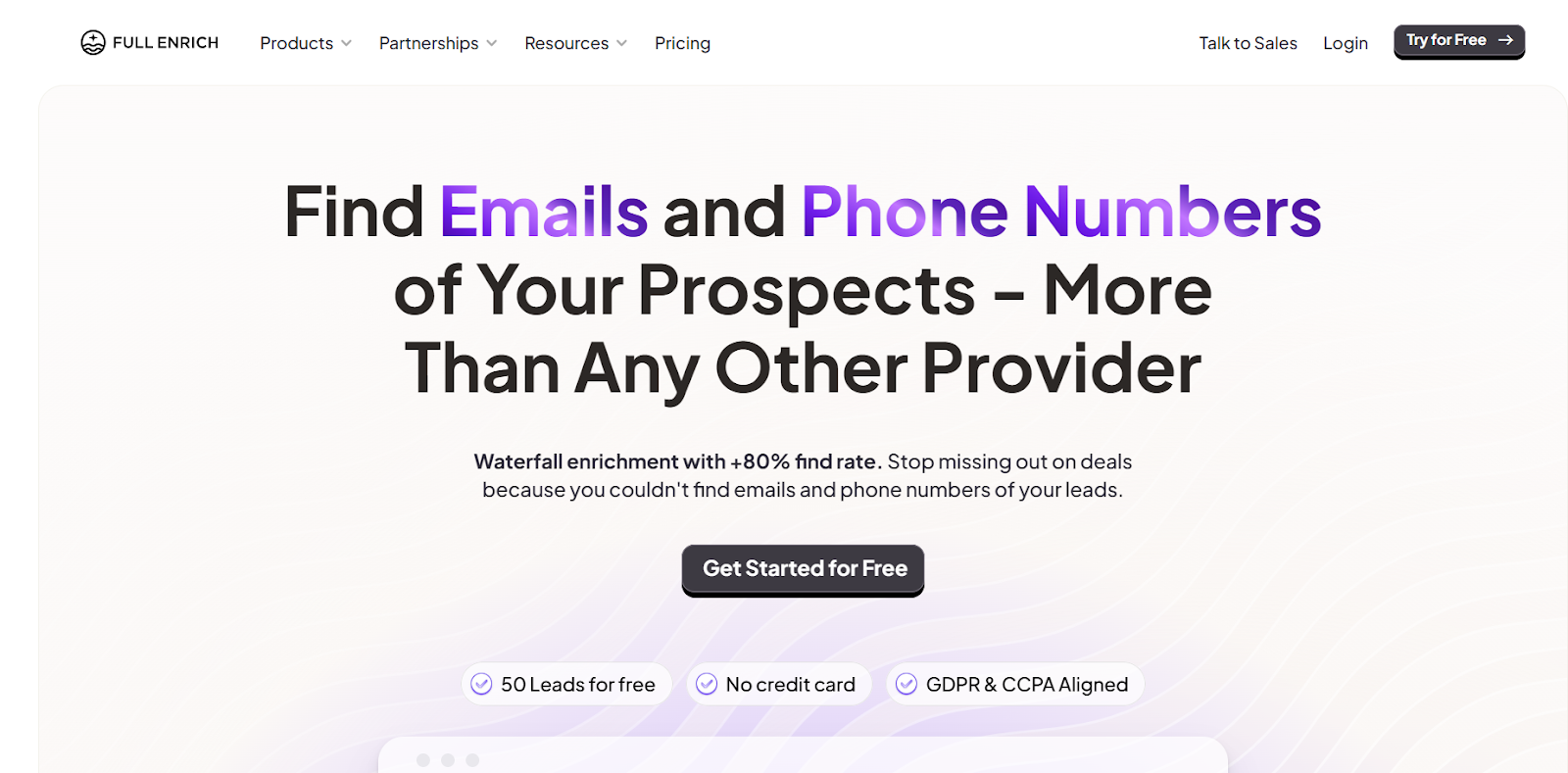
Best for: Teams that already have workflows + outbound tools and want better enrichment hit rates
Pricing (published):FullEnrich is credit-based and emphasizes that credits can be used for email, phone, or both (pricing details depend on plan selection).
Best part:Waterfall enrichment approach (better success rate than single-source enrichments).
What can be improved:It’s enrichment-only-you still need workflow automation and sending/CRM pieces.
Pros
- Clear waterfall enrichment positioning.
Cons
- Doesn’t replace Clay-style “workflow canvas” on its own.
9) Hunter - Best for email finding + verification (simple and reliable)
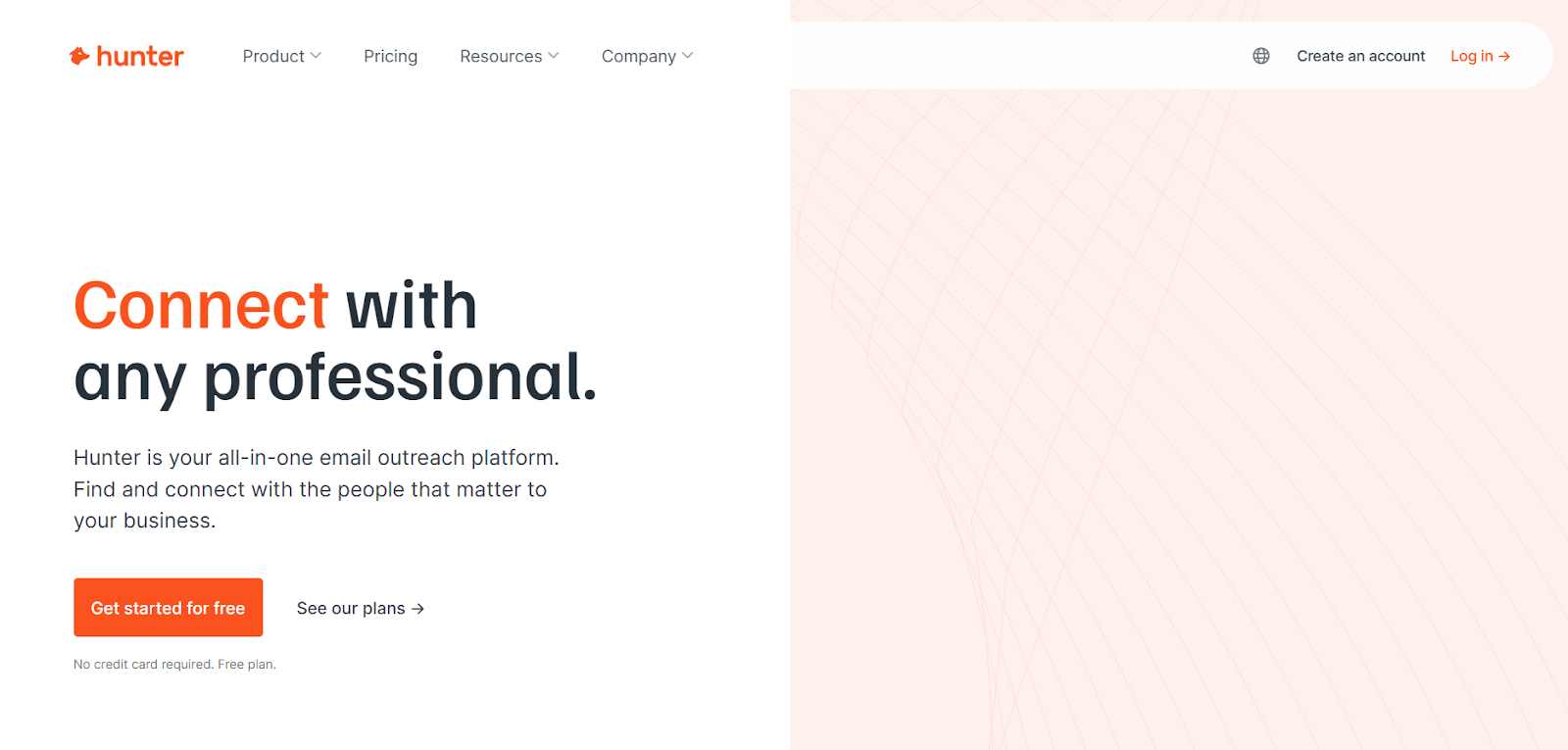
Best for: Teams primarily focused on email discovery and verification
Pricing:Hunter is widely used as an email-focused tool (plans vary; typically tiered).Best part: Easy email discovery + verification workflows.
What can be improved:Not a full outbound workflow platform; you’ll pair it with sequencing + CRM.
10) Saleshandy - Best budget-friendly cold email sending (indirect Clay alternative)
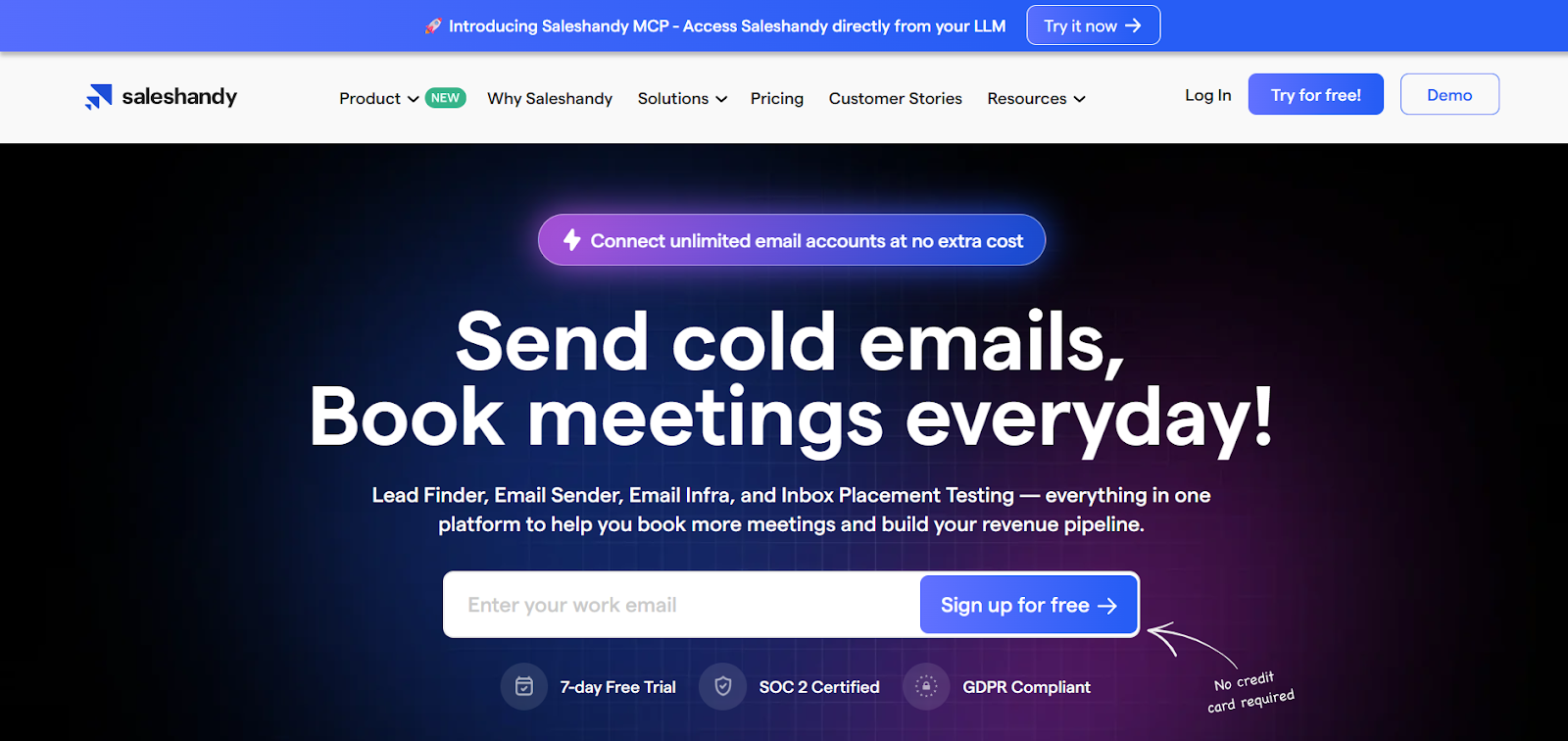
Best for: Sending cold email at scale with a simpler UI
Pricing (published):Saleshandy pricing pages show tiered plans and also promote inbox warmup/testing options; pricing varies by module and plan.
Best part:A practical option if your main need is sending volume and sequencing.
What can be improved:It’s a sending tool-not a workflow + enrichment replacement-so you’ll still need data/enrichment.
Pros (review signals)
- “Simple cold email automation” positioning and positive testimonials about support/usability appear on vendor pages.
Cons
- Not built to do enrichment/workflows by itself (it’s one piece of the stack)
Pros & Cons comparison table (quick scan)
Indirect competitors (tools that replace parts of Clay)
A lot of teams searching “best Clay alternative” don’t need a single replacement-they need a better stack.
1) Data enrichment tools (email + phone)
- FullEnrich (waterfall enrichment)
- Lusha / Kaspr (quick contact discovery, often LinkedIn-driven)
2) Outreach / sequencing tools
- Saleshandy (cold email sending)
- (Many teams also pair Instantly/Smartlead/Heyreach with enrichment tools-this is where workflow-first options can reduce stack complexity.)
3) Automation “glue” tools
- AI automation platforms can handle “connectors + steps,” but typically don’t solve for contact data quality by themselves.
Final takeaway
The best Clay alternative in 2026 depends on what you’re trying to replace:
- If you want enterprise data depth, ZoomInfo or Cognism can fit-if budget allows.
- If you want an all-in-one tool to start quickly, Apollo is a common choice-especially for SMBs.
If you want workflow-first outbound execution (less setup, more “done”), Bitscale is designed around that approach.