Best Data Enrichment Tools for 2026 (Top Platforms + How to Choose)
Modern GTM teams don’t fail because they lack leads — they fail because their data is incomplete, outdated, or disconnected from how sales actually works.
A data enrichment tool solves this by automatically filling gaps in your contact, company, and intent data — so teams can route faster, score smarter, and personalize without manual research.
This guide will help you learn how enrichment works, understand data types, and shortlist the best data enrichment tools by use case — with a clear breakdown of where Bitscale fits.
Table of contents
- TL;DR (for skimmers)
- What data enrichment is (contact vs company vs intent)
- Data types explained (with examples)
- Core use cases for data enrichment
- How to evaluate data enrichment vendors
- How to Benchmark Data Enrichment Tools
- Top 13 Data Enrichment Tools (Features + Pricing)
- CRM hygiene & governance checklist
- The best data enrichment apps at a glance
- Frequently Asked Questions (FAQs)
TL;DR (for skimmers)
- Data enrichment = contact + company + intent data, refreshed continuously
- The “best” tool depends on what data you need most (emails, phones, firmographics, intent, workflows)
- Many teams now prefer workflow-based enrichment instead of single databases
- Bitscale stands out for teams that want multi-source enrichment + AI agents + automation, not just raw data
- Always evaluate tools on accuracy, refresh rate, and coverage — not database size
Want to test enrichment on real leads?
Start free with Bitscale (lifetime free plan)
What data enrichment is (contact vs company vs intent)
At its core, enrichment answers three GTM questions:
Contact enrichment (person-level)
Adds missing data to individual leads:
- Work email (verified)
- Direct dial / phone
- Job title, seniority, department
- LinkedIn profile, location, timezone
Example: “Sarah, Marketing, Acme” → Sarah Lee, Senior Demand Gen Manager, US West, verified email, LinkedIn URL
Company enrichment (account-level)
Adds context about the business:
- Industry & sub-industry
- Employee count & revenue range
- Funding stage, investors
- Locations & growth signals
- Tech stack (CRM, marketing tools)
Example: A SaaS account becomes filterable by 50–500 employees, Series B, hiring SDRs, uses HubSpot.
Intent enrichment (behavior-level)
Adds timing signals:
- Category interest (e.g., “sales intelligence”, “outbound automation”)
- Hiring, funding, leadership changes
- Product launches or competitor research
This layer answers “why now?” — not just “who?”.
Bitscale combines contact, company, and intent enrichment inside one workflow layer, so teams don’t stitch together multiple tools.
Enrich Data by using Bitscale
Data types explained (with examples)
Key takeaway: Choose tools by data type, not by brand popularity.
Core use cases for data enrichment
Routing
Automatically assign leads based on enriched fields:
- Region, company size, industry
- Role seniority
- Intent signals
Scoring
Combine fit + timing:
- ICP match (firmographics)
- Role relevance
- Recent funding or hiring
- Intent category engagement
Personalization
Move beyond {first_name}:
- “Saw you’re hiring SDRs in Austin”
- “Noticed you’re on HubSpot — how are you enriching inbound leads today?”
Bitscale’s AI Agent can research and enrich custom data points from the web, then store them as structured fields.
Try AI Agent by Bitscale
How to evaluate data enrichment vendors
Before shortlisting tools, assess them on these four dimensions:
Accuracy
- Are emails verified?
- Are phones reliable?
- Can you test on your own dataset?
Refresh rate
- How often is data updated?
- Can records be re-enriched automatically?
Coverage
- US vs EMEA vs APAC
- SMB vs enterprise
- Seniority depth (C-level is harder)
Activation
- CRM sync (HubSpot, Salesforce)
- Workflow triggers
- Integrations with outbound tools
How to Benchmark Data Enrichment Tools
Before committing, run a controlled test.
Upload 500 known contacts and measure:
- Match rate (% enriched successfully)
- Email bounce rate
- Phone connect rate
- Duplicate rate
- Time to enrichment
- Re-enrichment accuracy after 90 days
For calling teams, test:
- Direct dial accuracy vs company line
For outbound teams:
- Meeting rate delta after enrichment
Do not rely solely on vendor-stated database size.
Top 13 Data Enrichment Tools (Features + Pricing)
This list covers a mix of workflow-based platforms, B2B databases, prospecting tools, and enrichment APIs. Not all tools solve the same problem — which is why choosing based on data type + use case matters more than brand popularity.
1. Bitscale
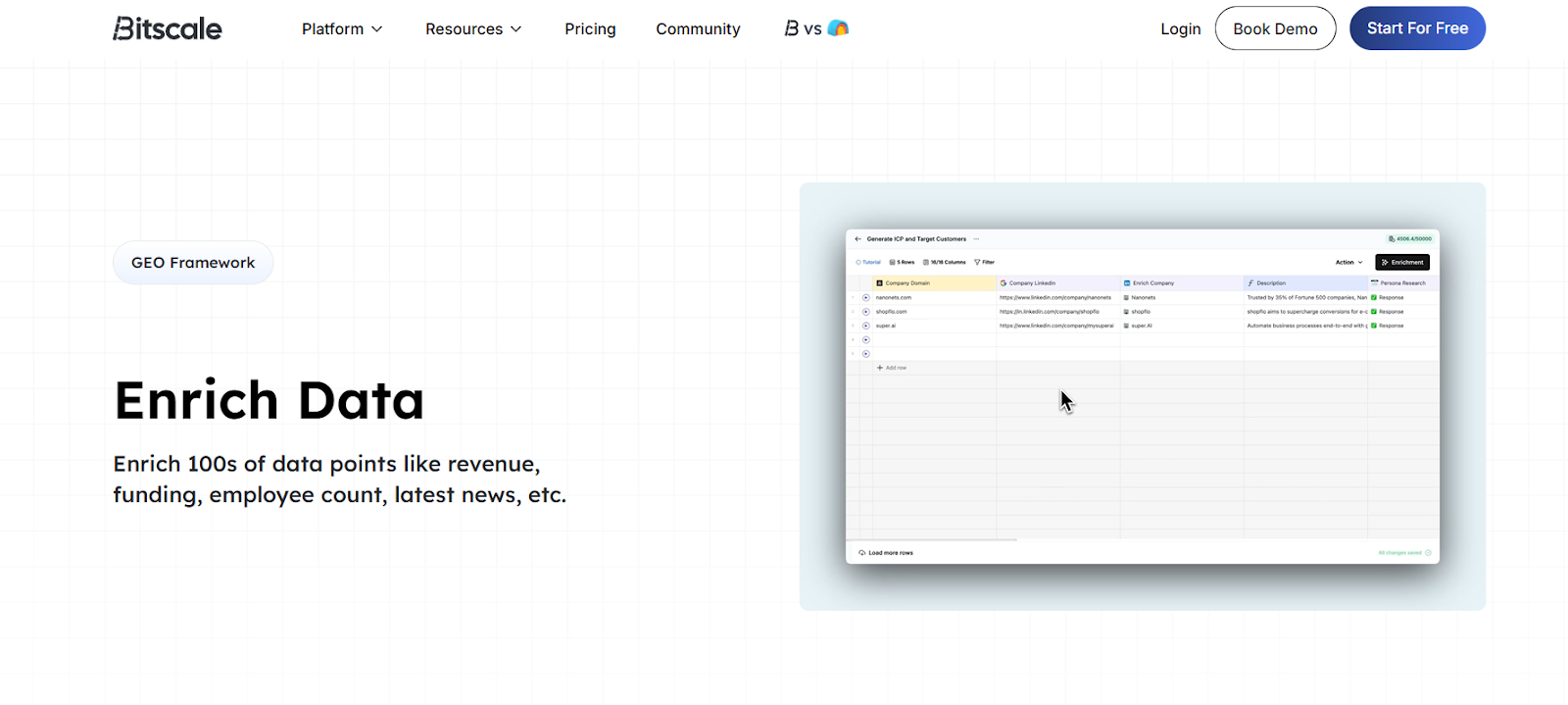
Bitscale is built for teams that don’t just want raw data — they want enrichment that actually powers outbound execution. Instead of acting as a single database, Bitscale works as a GTM workflow layer, combining multiple data sources, intent signals, and AI agents into one system. It’s especially useful for teams replacing messy stacks of scrapers, enrichment tools, and spreadsheets.
Best for: Teams that want enrichment + automation + AI agents
Key features
- Contact, company & intent enrichment
- Multi-provider waterfall enrichment
- AI agent for custom web research
- CRM enrichment (HubSpot, Salesforce)
- Workflow automation (routing, scoring)
Pricing
- Lifetime Free: $0 (200 credits/month)
- Growth: ~$314/month (annual)
- Booster: ~$719/month (annual)
Start enriching leads for free
2. ZoomInfo
ZoomInfo is one of the most established names in B2B data, known primarily for its large US-focused company and contact database. It’s often used by mid-market and enterprise teams that need broad firmographic coverage, org charts, and account intelligence at scale, though it typically comes with long-term contracts.
Best for: Large B2B databases & firmographics
Key features
- Extensive company & contact database
- Firmographics, org charts, buying committees
- Intent data & account insights
- CRM integrations
Pricing
- Custom pricing (annual contracts)
- Generally positioned at the premium end of the market
3. Apollo
Apollo combines prospecting, enrichment, and outbound sequencing into one platform, making it popular with SMB and startup sales teams. While its enrichment depth is not as flexible as workflow-first tools, Apollo works well for teams that want a simple “find leads → enrich → outreach” flow in one place.
Best for: Prospecting + enrichment in one tool
Key features
- Contact & company enrichment
- Email discovery + verification
- Built-in sequencing & dialer
- CRM sync
Pricing
- Free plan available
- Paid plans typically start in the low hundreds per month
4. Clearbit
Clearbit is best known as an API-first enrichment platform, commonly used by product-led and RevOps teams to enrich leads at the point of signup or form submission. It’s particularly strong in firmographics and technographics, but usually requires engineering resources to implement well.
Best for: API-first enrichment
Key features
- Company & contact enrichment APIs
- Technographics and firmographics
- Real-time enrichment at capture
- Popular with PLG companies
Pricing
- Usage-based, custom pricing
- Scales with API calls
5. Kaspr
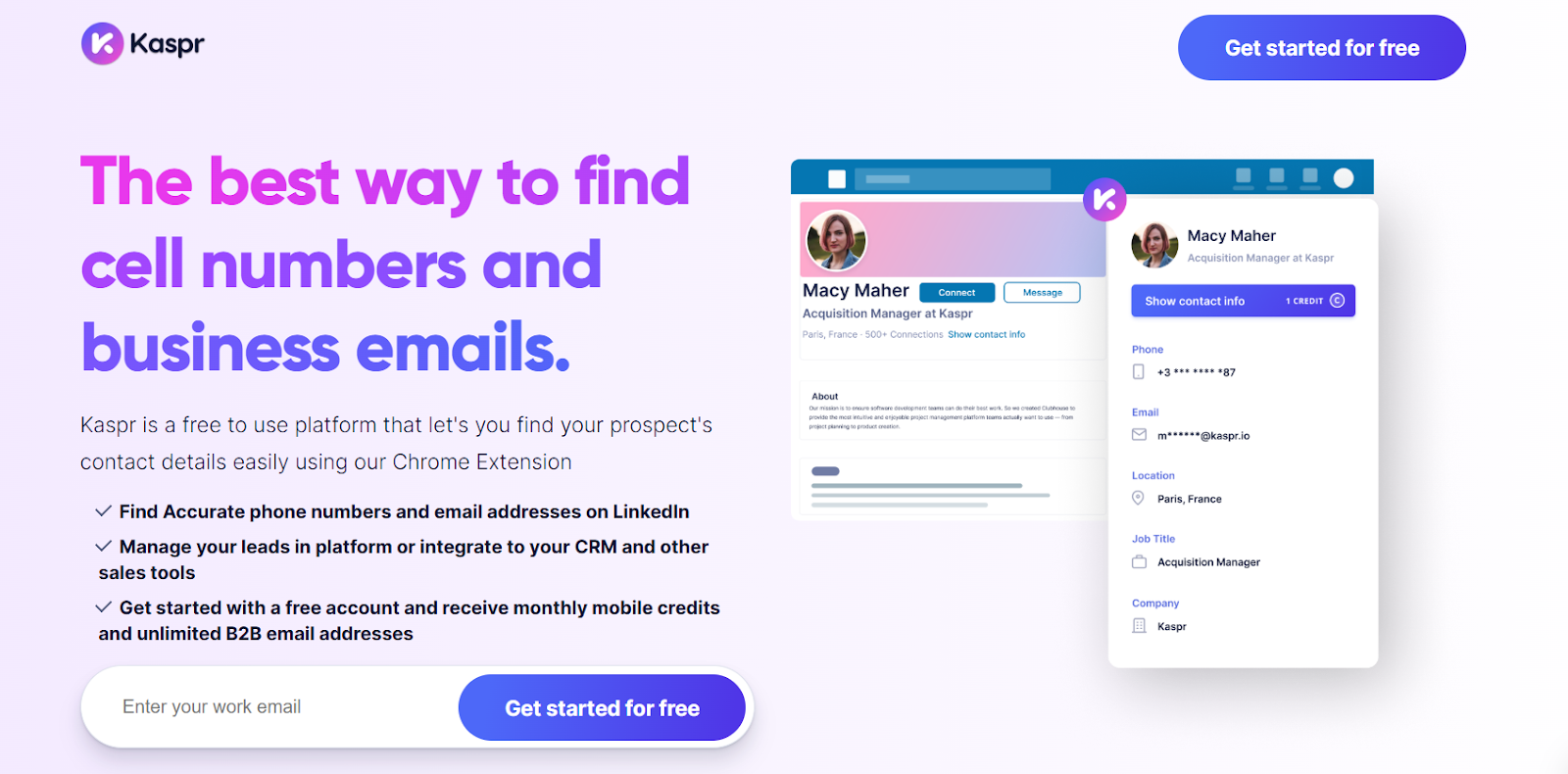
Kaspr is designed around LinkedIn-based enrichment, making it a strong fit for SDRs doing manual prospecting. It’s especially popular in Europe due to its regional data coverage, but it’s more of a point solution than a full enrichment platform.
Best for: LinkedIn-based phone & email enrichment
Key features
- LinkedIn email & phone enrichment
- Chrome extension
- CRM export & sync
- Strong EMEA coverage
Pricing
- Free trial available
- Paid plans based on credit usage
6. Cognism
Cognism focuses heavily on compliance-first B2B contact data, particularly phone numbers in EMEA markets. It’s often chosen by enterprise sales teams that prioritize GDPR-safe data collection, though pricing can be a barrier for smaller teams.
Best for: Compliance-first phone data
Key features
- Phone-first contact enrichment
- GDPR-compliant data sourcing
- Account & contact enrichment
- CRM integrations
Pricing
- Custom enterprise pricing
7. Lusha
Lusha is a lightweight enrichment tool commonly used by SDRs for quick email and phone lookups. It’s easy to adopt and works well for smaller teams, but coverage and depth can vary significantly by region and role seniority.
Best for: Fast email + phone enrichment
Key features
- Email & phone enrichment
- Chrome extension
- CRM integrations
- Simple UI
Pricing
- Free tier available
- Paid plans scale by credits
8. Clay
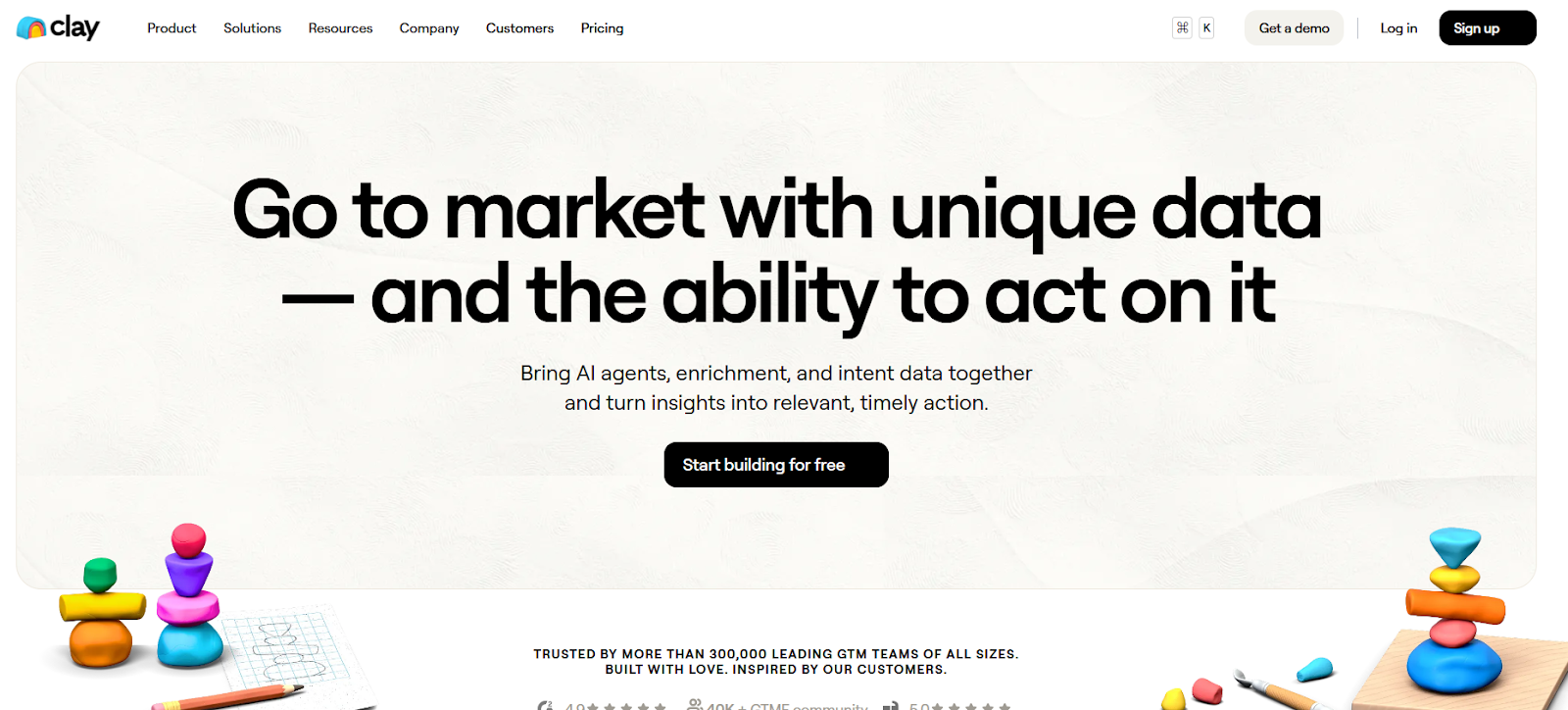
Clay is a flexible enrichment and automation workspace that lets GTM teams combine multiple data providers, APIs, and custom logic inside a spreadsheet-like interface. Rather than acting as a single database, it gives teams full control over how enrichment workflows are built and executed — which makes it powerful, but also more hands-on to maintain.
Best for: Custom enrichment workflows and multi-source GTM automation
Key features
- Multi-provider enrichment via APIs
- Spreadsheet-style workflow builder
- Custom logic, formulas, and conditions
- Large ecosystem of data integrations
Pricing
- Credit-based pricing model
- Paid plans typically start in the mid-to-high hundreds per month
- Costs scale with usage and workflow complexity
9. Crunchbase
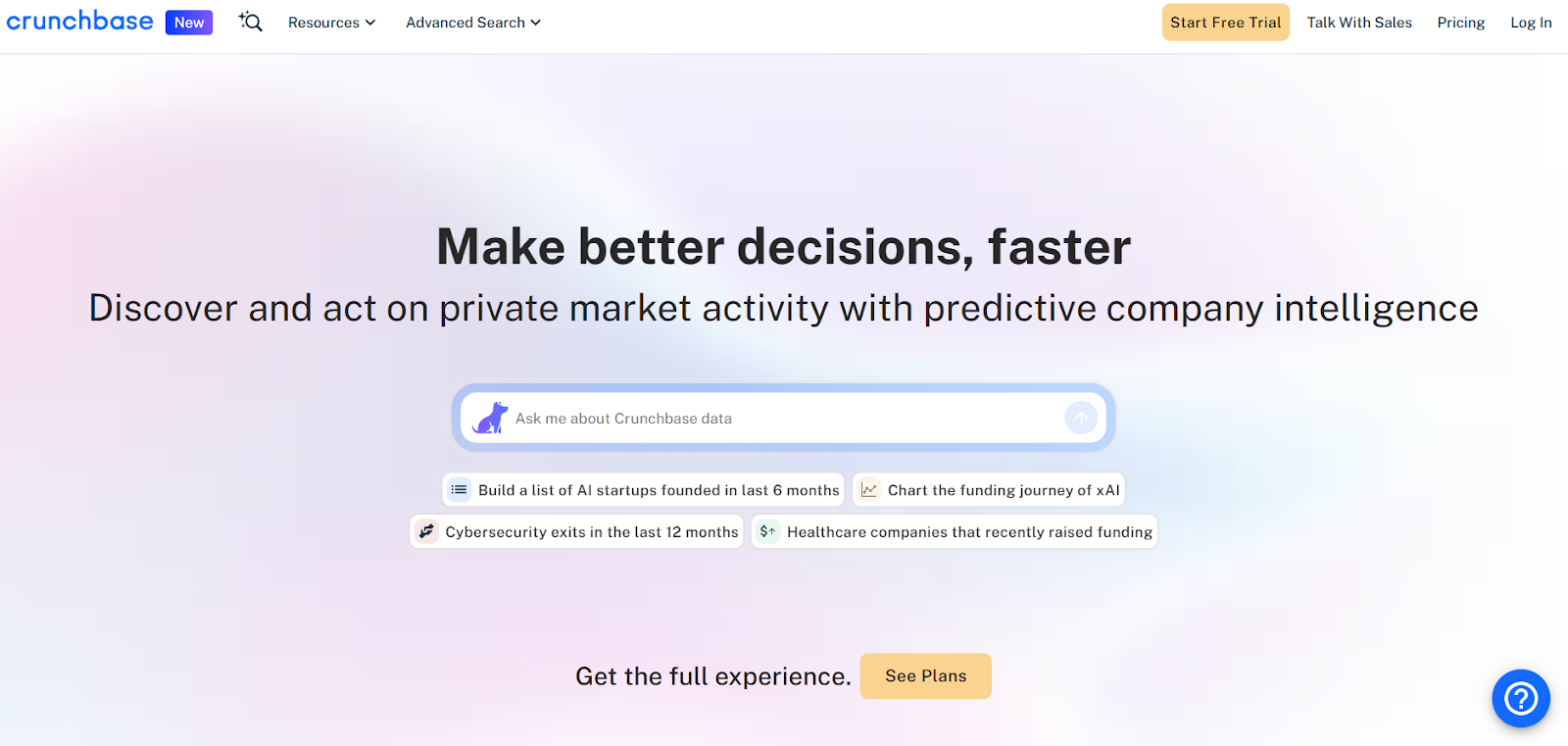
Crunchbase is primarily a company intelligence platform focused on funding, investors, acquisitions, and growth signals. It’s widely used for account research and market analysis, but it’s not designed for deep contact enrichment or outbound execution workflows.
Best for: Company-level enrichment and funding intelligence
Key features
- Company profiles with funding history
- Investor, acquisition, and growth data
- Industry and market insights
- Limited CRM and API integrations
Pricing
- Seat-based plans (Pro and Business tiers)
- Typically billed annually
10. Hunter
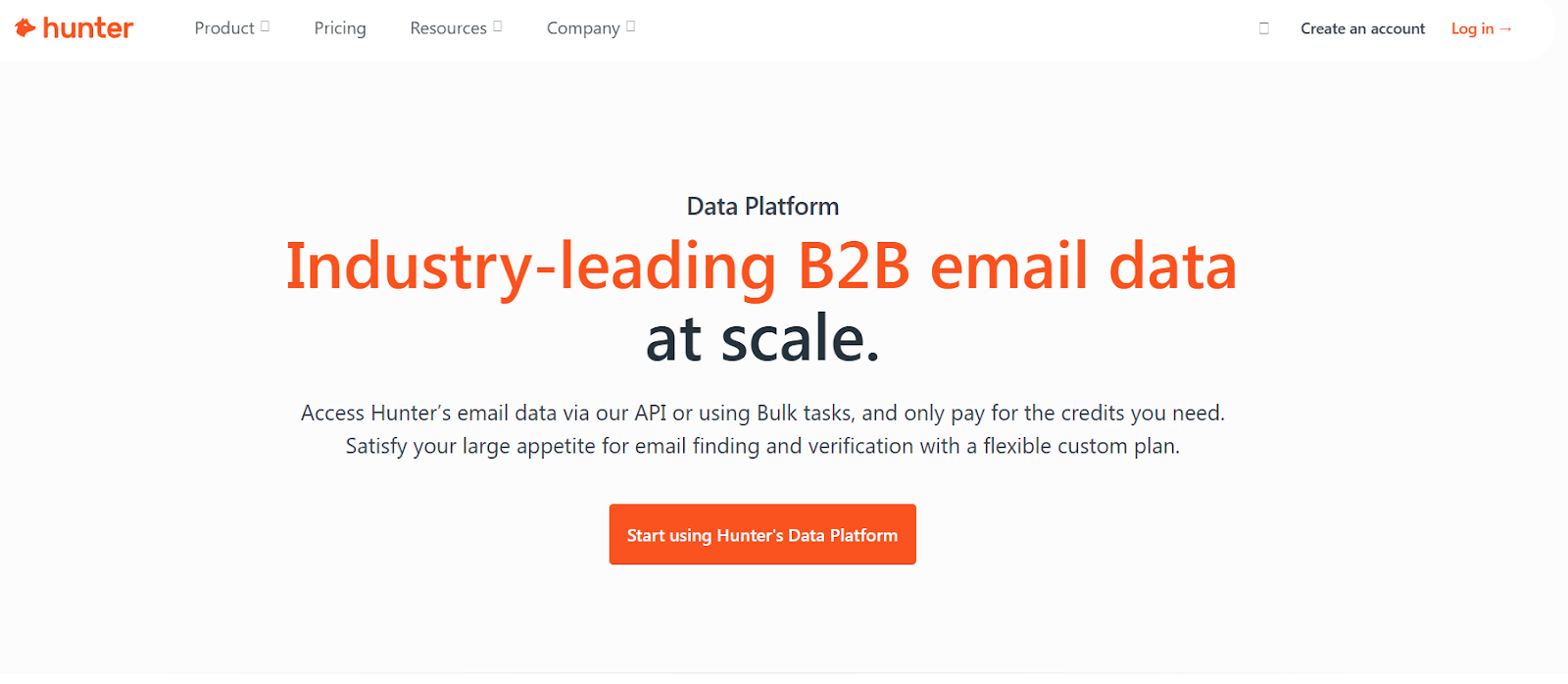
Hunter is a lightweight tool focused solely on discovering and verifying work email addresses. It’s widely adopted by founders and small sales teams that need quick, reliable email enrichment without the complexity of a full B2B data platform.
Best for: Email discovery and verification only
Key features
- Domain-based email finding
- Email verification and deliverability checks
- Bulk enrichment via CSV uploads
- Chrome extension
Pricing
- Free plan available
- Paid plans scale by monthly usage
11. People Data Labs
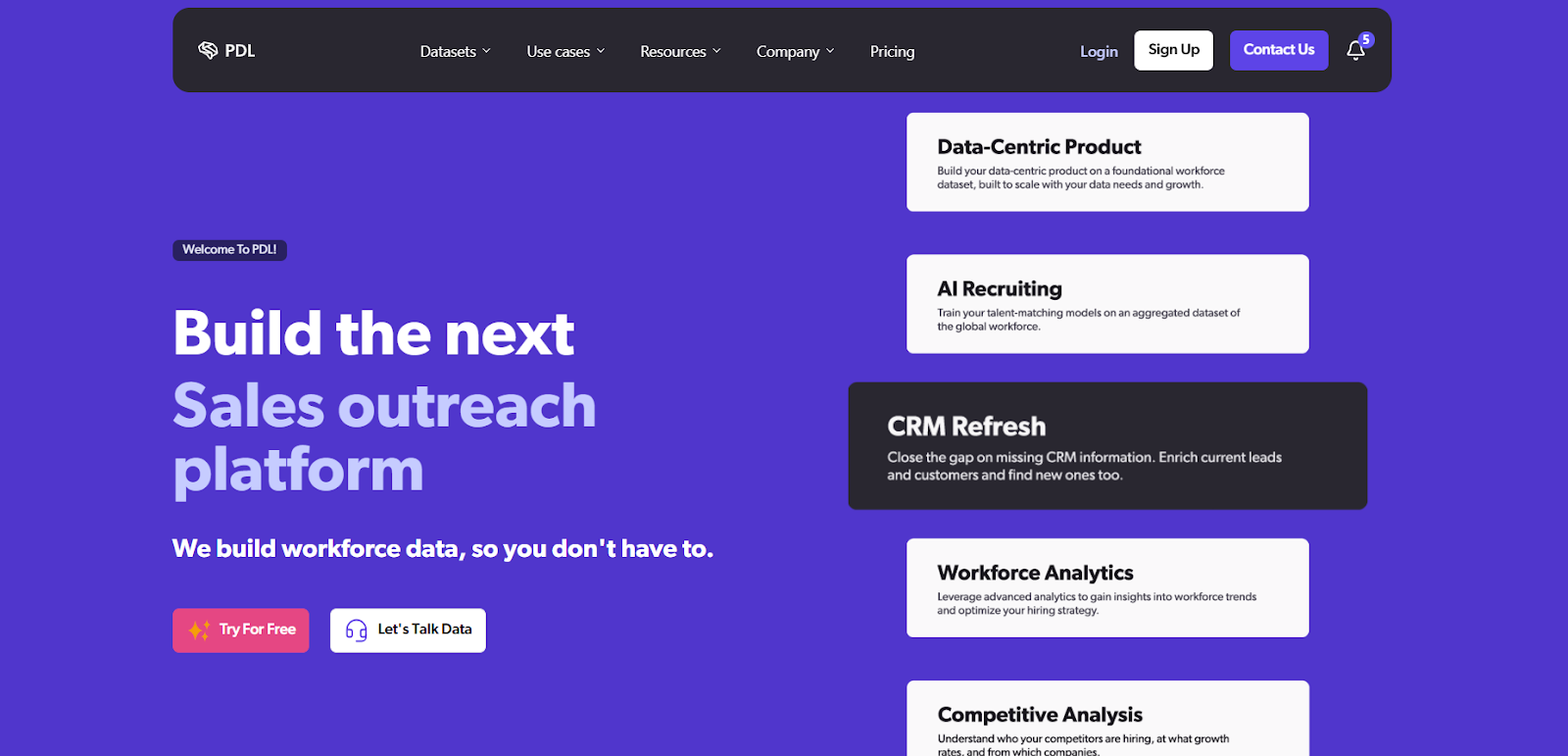
People Data Labs is an API-first data provider built for teams that want raw people and company data at scale, rather than a ready-made enrichment UI. It’s commonly used by engineering, data, and RevOps teams to power internal enrichment pipelines, scoring models, or proprietary GTM systems. PDL offers flexibility and depth, but typically requires technical setup to unlock full value.
Best for: Developer-led enrichment and custom data pipelines
Key features
- Large global people and company datasets
- API access to raw profile and firmographic data
- Flexible schema for custom enrichment logic
- Designed for large-scale, programmatic use cases
Pricing
- Usage-based API pricing
- Costs scale with volume and data types accessed
12. Dropcontact
Dropcontact is a GDPR-first enrichment platform that focuses on email discovery, data cleaning, and CRM hygiene, without relying on stored contact databases. Instead, it generates emails in real time and emphasizes compliance, making it especially popular with EU-based teams and companies operating in regulated markets.
Best for: GDPR-safe email enrichment and CRM data hygiene
Key features
- Email discovery without stored contact databases
- Data cleaning, normalization, and deduplication
- Native CRM enrichment workflows
- Strong focus on EU compliance and privacy
Pricing
- Credit-based pricing model
- Plans scale based on enrichment volume
13. FullContact
FullContact is positioned less as a classic sales enrichment tool and more as an identity resolution and data unification platform. It helps organizations merge fragmented contact and company records across systems, creating a single, consistent identity profile that can be used across marketing, sales, and customer data platforms.
Best for: Identity resolution and profile unification across systems
Key features
- Identity graphs for people and companies
- Contact and company profile enrichment
- Data unification across multiple sources
- Privacy-focused and consent-aware design
Pricing
- Custom pricing based on use case and scale
CRM hygiene & governance checklist
Use this to keep enriched data clean:
- Define source-of-truth per field
- Track last_enriched_at
- Deduplicate by domain + person
- Lock critical ICP fields
- Re-enrich titles every 60–90 days
- Centralize workflows in RevOps
Bitscale supports 2-way CRM sync and enrichment triggers, helping prevent stale data.
The best data enrichment apps at a glance
Start enriching leads for free with Bitscale
Frequently Asked Questions (FAQs)
What is a data enrichment tool?
A data enrichment tool enhances existing lead or account records with missing information such as work email, phone number, job title, company size, industry, or intent signals. This helps sales and marketing teams qualify, route, and personalize outreach more effectively.
What’s the difference between B2B data enrichment and contact enrichment?
B2B data enrichment typically includes both company-level data (firmographics, funding, industry) and person-level data (job title, email, phone). Contact enrichment focuses only on individual contact details like verified email addresses and phone numbers.
What is CRM enrichment?
CRM enrichment refers to automatically updating and refreshing data directly inside your CRM. This can include enriching new leads on creation, refreshing job titles periodically, or updating firmographic fields so routing, scoring, and reporting stay accurate over time.
Which data types matter most for outbound sales?
For most outbound teams, the most important data types are verified work emails, accurate job titles and seniority, company size and industry, and basic intent or trigger signals. Phone numbers become critical for calling-led teams, while technographics are useful for personalization.
How do I evaluate the accuracy of a data enrichment tool?
The best way to evaluate accuracy is to test tools on your own dataset. Compare match rate, email bounce rate, phone connect rate, and downstream outcomes like replies or meetings booked, rather than relying on advertised database size.
How often should enriched data be refreshed?
Job titles and roles should typically be refreshed every 60–90 days, firmographic data quarterly, and intent or trigger data weekly if used for prioritization. Regular refreshes prevent stale records and improve routing and personalization quality.
Is data enrichment GDPR and privacy compliant?
Data enrichment can be GDPR-compliant, but compliance depends on how data is sourced and processed. Some tools emphasize compliance-first enrichment, while others rely on stored databases. Teams operating in regulated regions should review consent handling, data sources, and regional coverage carefully.
Can data enrichment tools replace manual prospect research?
Data enrichment tools significantly reduce manual research, but they don’t fully replace human judgment. Many teams automate enrichment for scale and use manual or AI-assisted research only for high-value accounts or edge cases.
Should I use one data enrichment tool or multiple tools together?
Many teams use multiple tools to cover different data types, regions, or compliance needs. A common approach is combining specialist tools (for email, phone, or company intelligence) with a workflow-based enrichment layer that unifies data and activates it across CRM and outbound systems.
What is waterfall enrichment?
Waterfall enrichment queries multiple data providers in sequence until a verified result is found. This approach improves overall data coverage and accuracy compared to relying on a single provider, especially for emails and phone numbers.